Everything Bloom does.
In the order you'll use it. From the first hello to the shared life after it, with a note on what's free and what's Premium at every stage. Only what's built in the app today.
Before the match
A profile that sounds like you, verified as you, with your real free evenings on it.
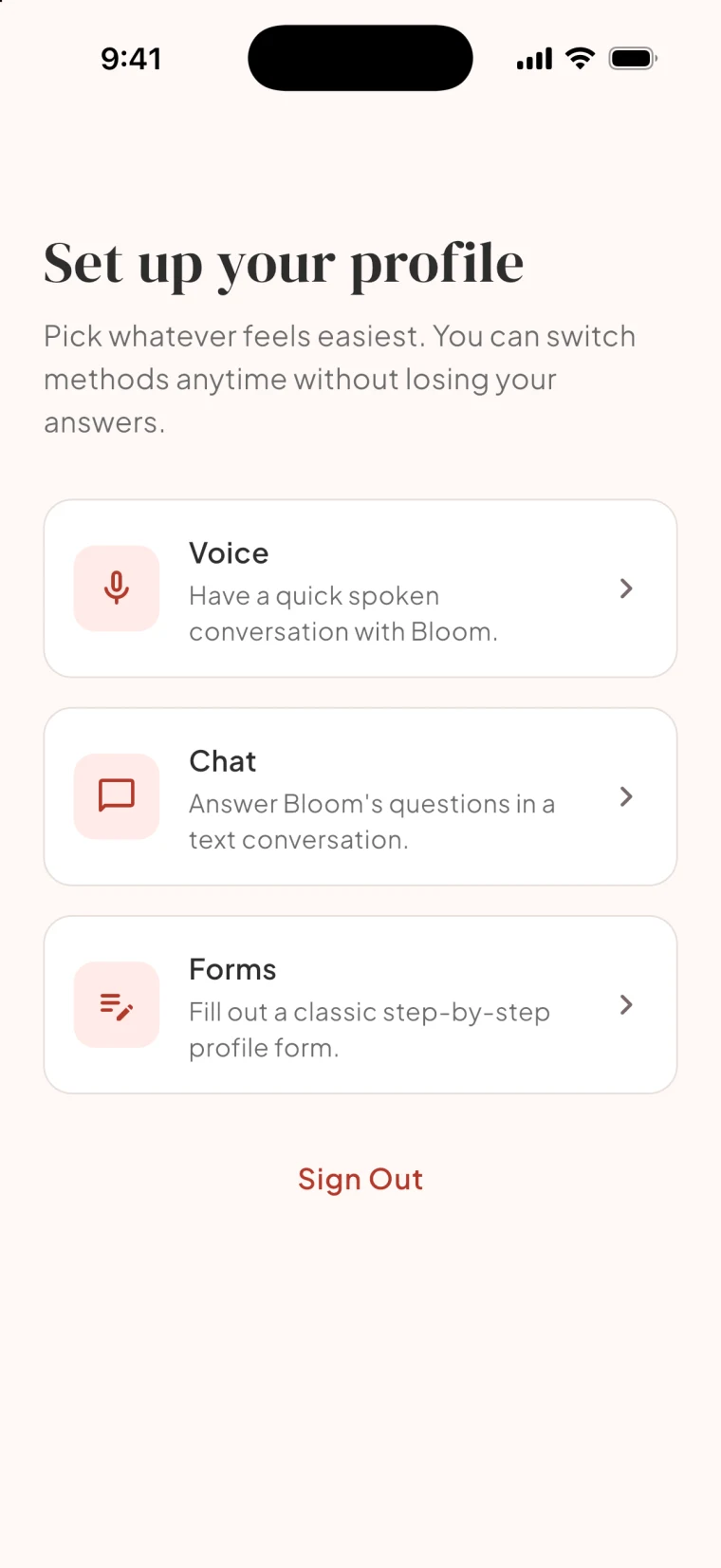
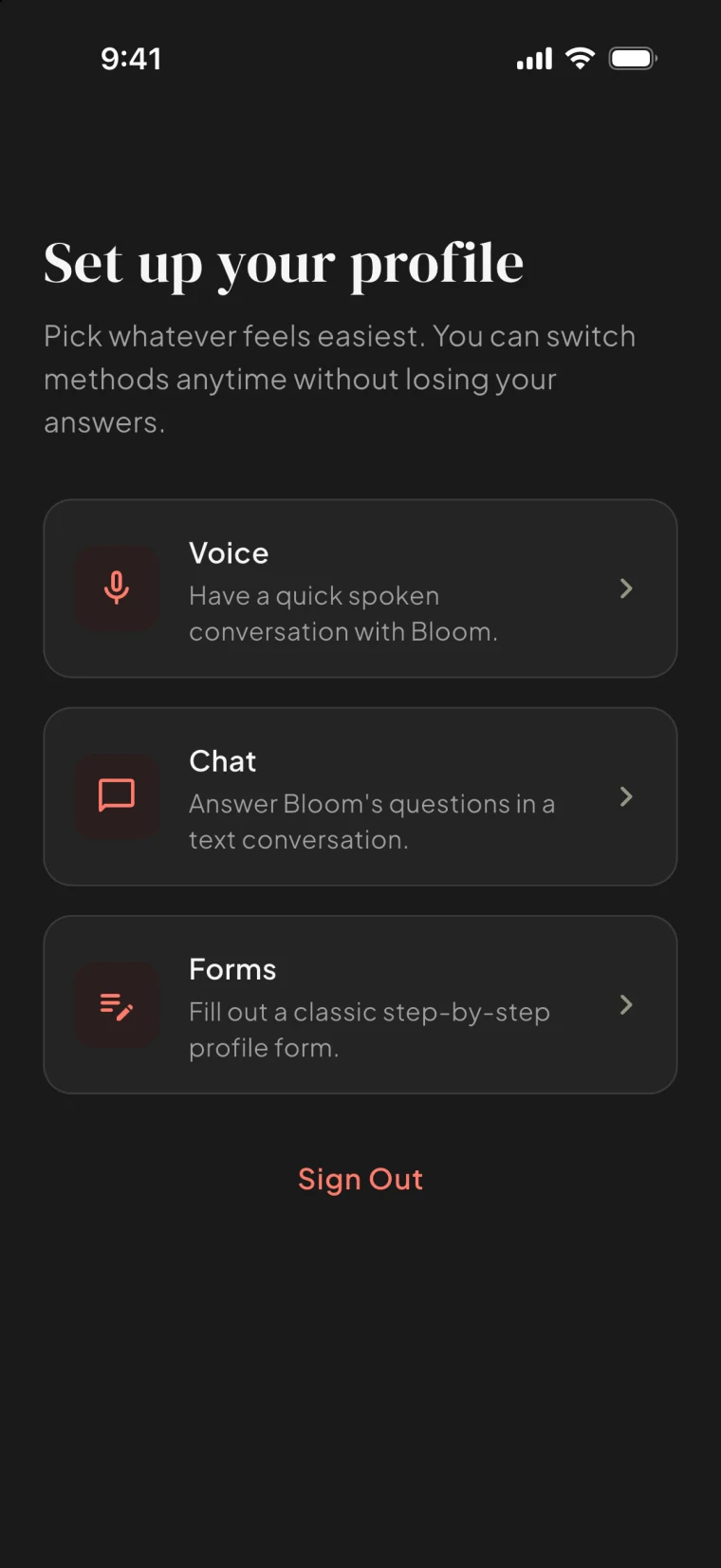
Fill in a profile, talk it through in a voice conversation, or chat with Bloom's assistant. Three ways to the same honest profile.
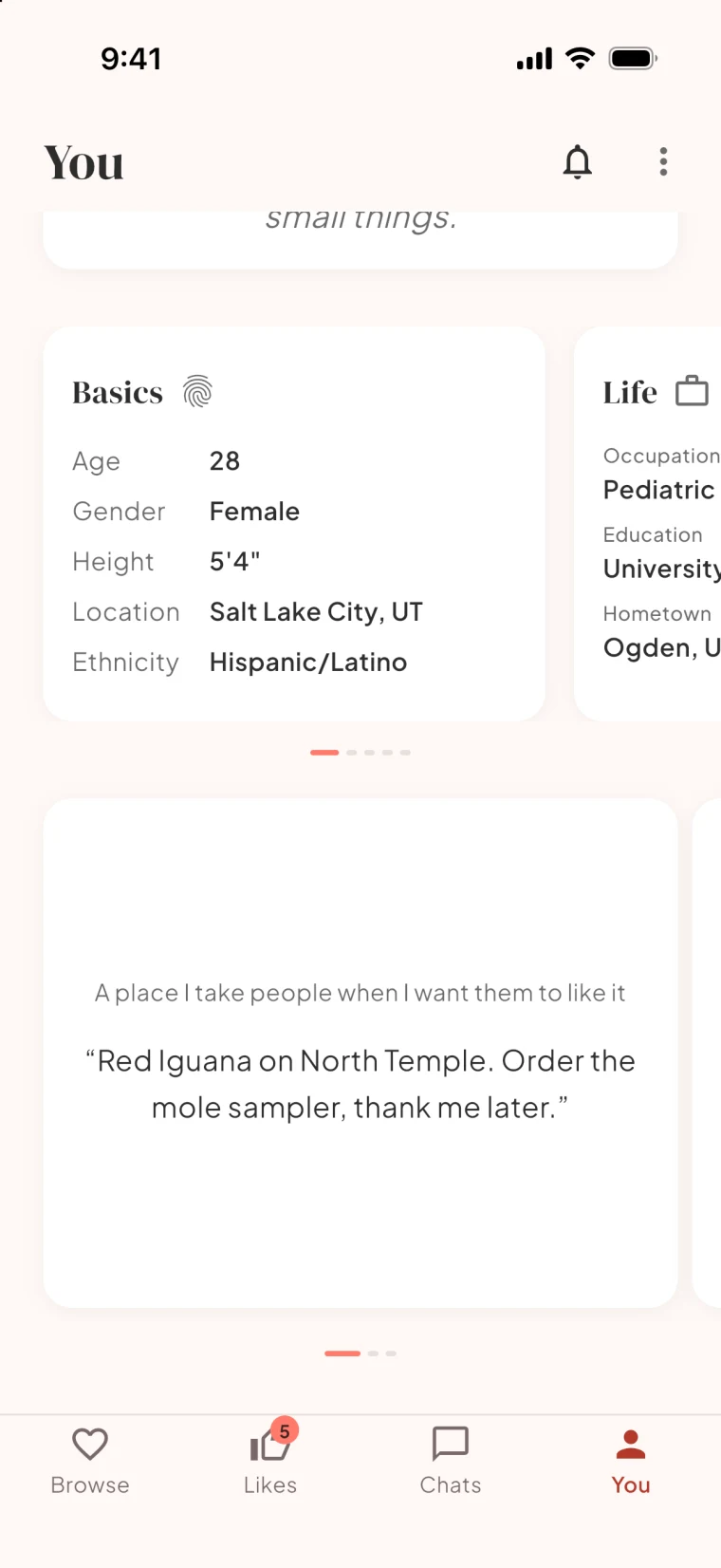
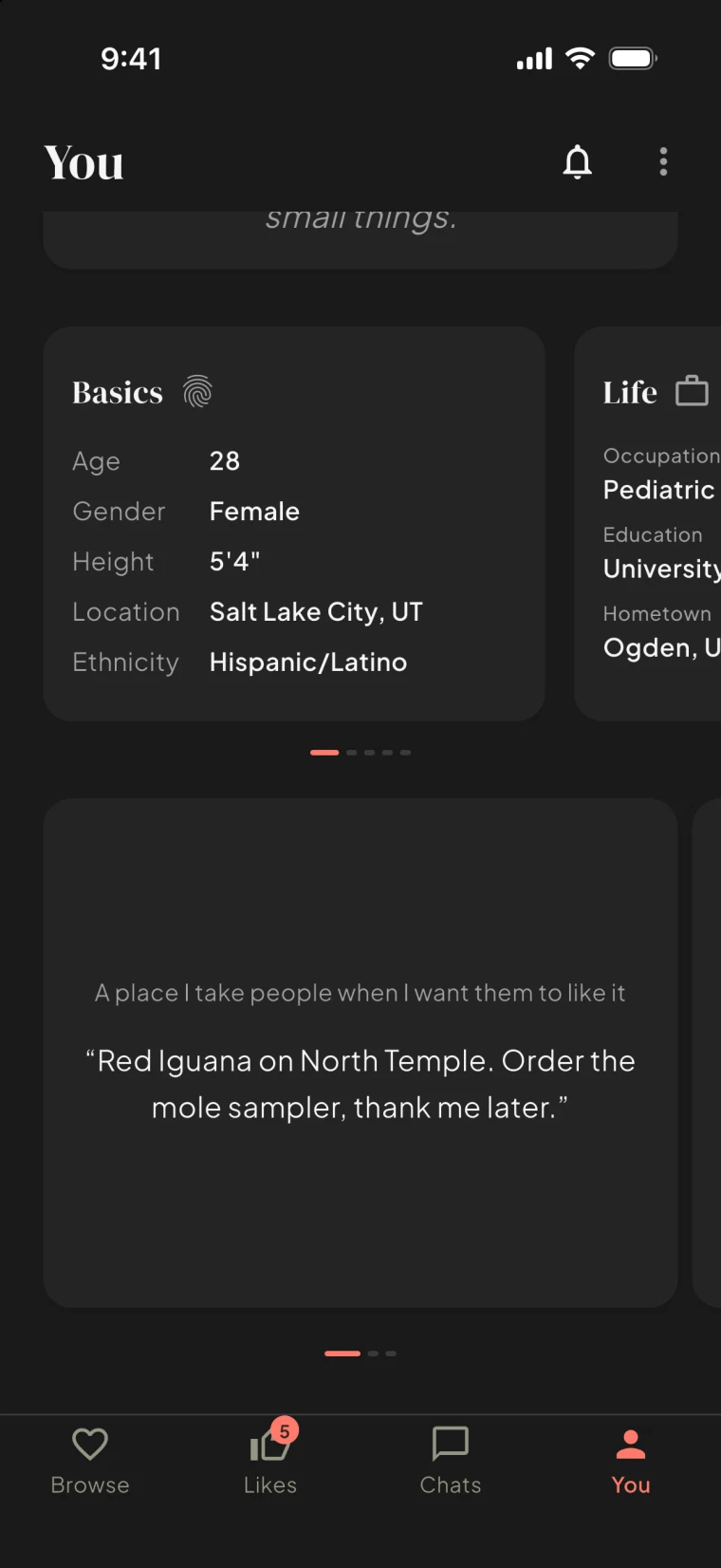
At least three prompts on every profile, so you show who you are instead of describing it.
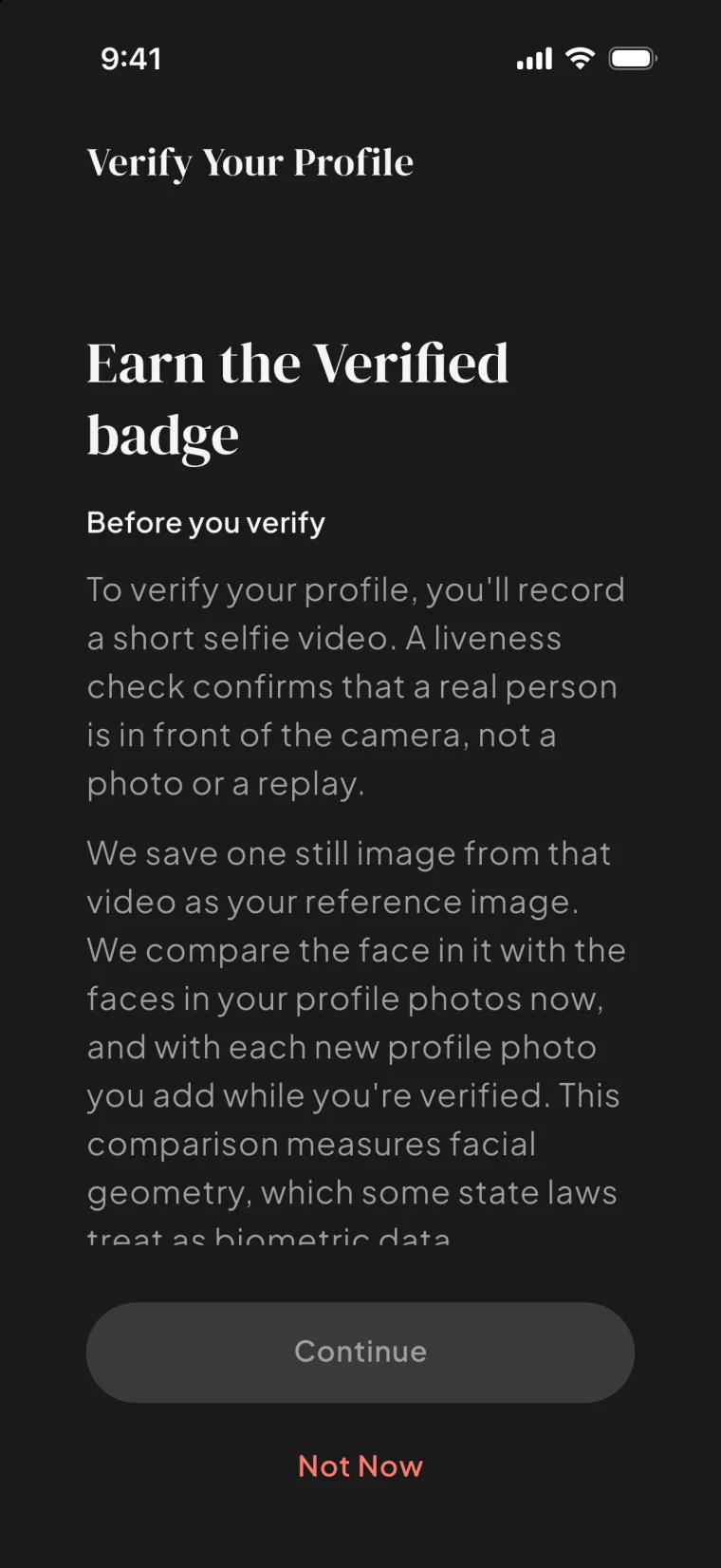
A quick liveness check earns a verified badge. Real people, on purpose.
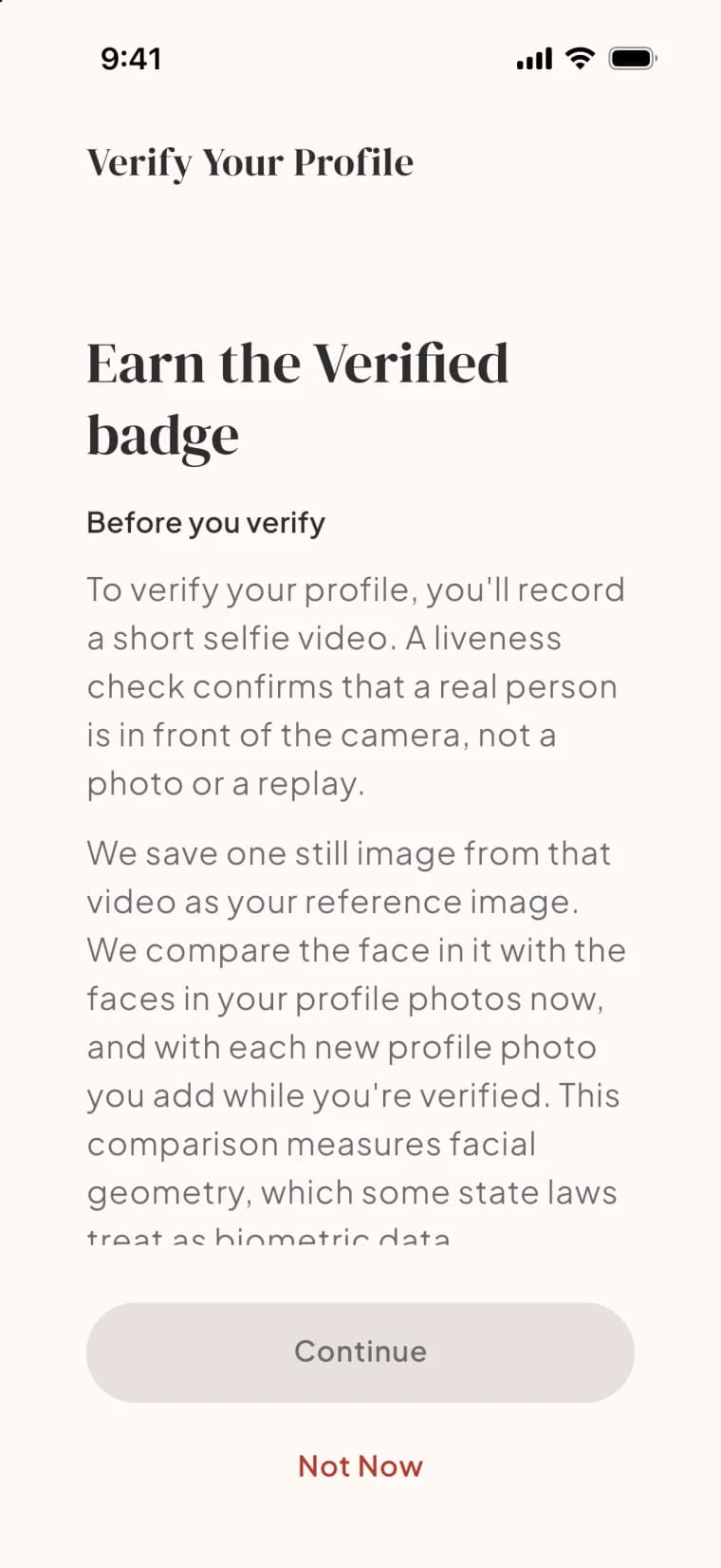
Set what matters to you, and the evenings you are actually free, so dates fit real life.
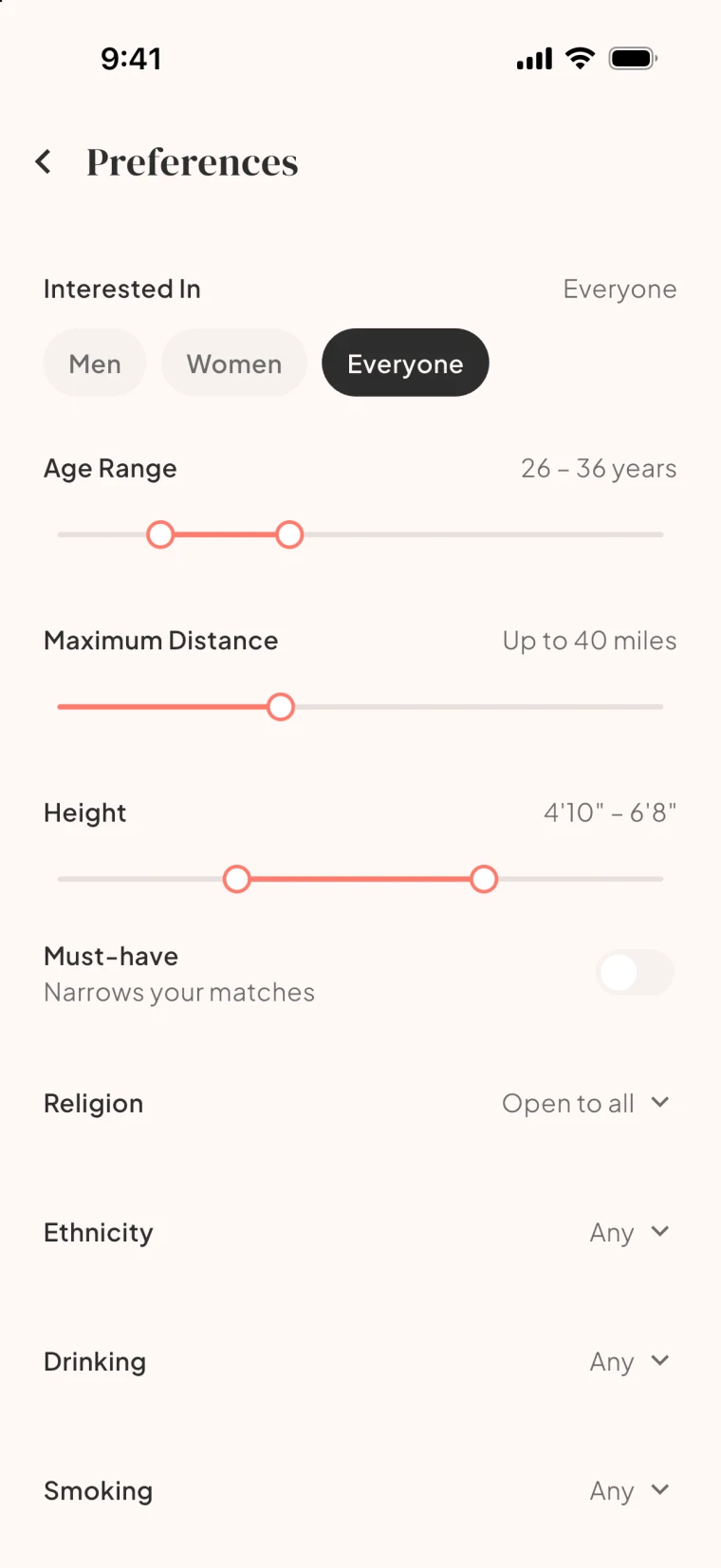
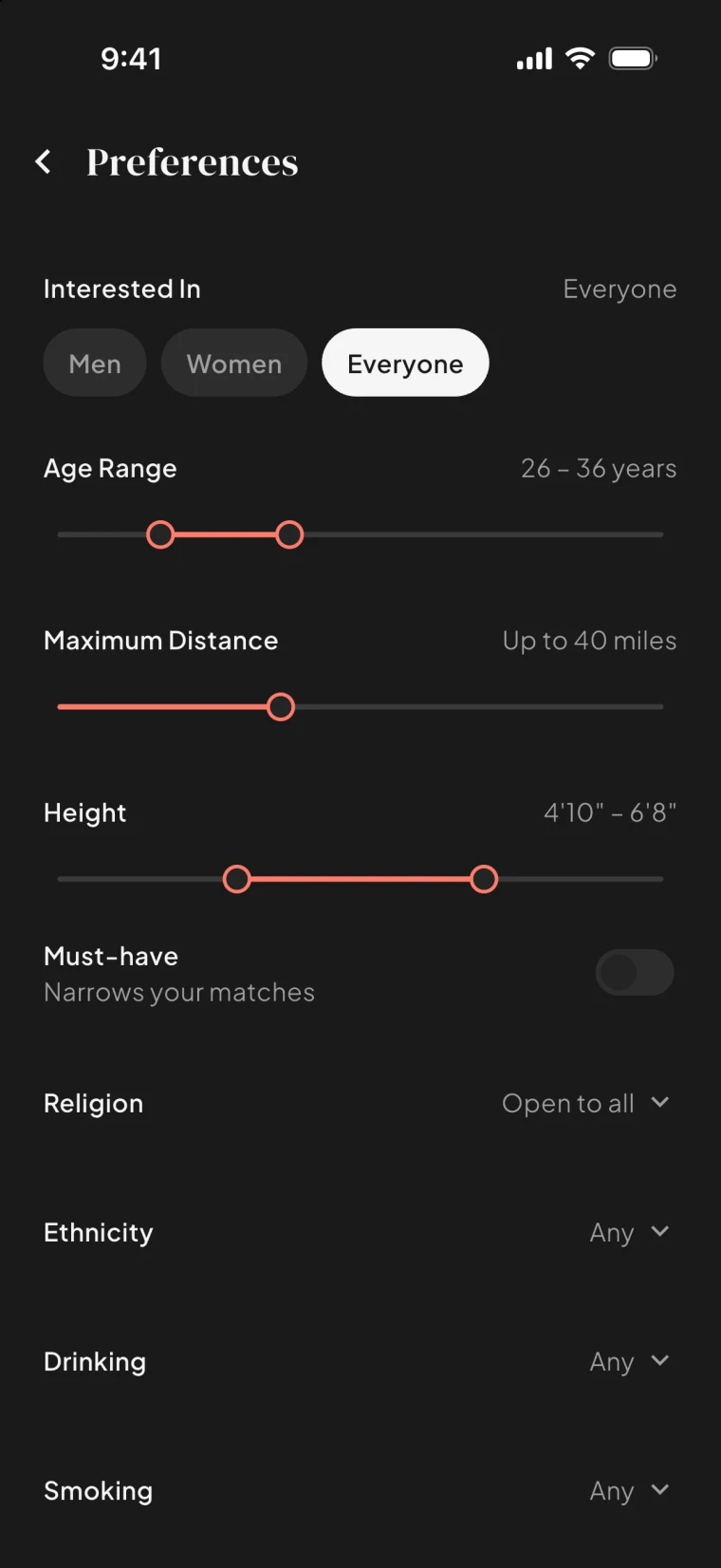
Everything here is free.
The match
One profile at a time and a like aimed at what caught you.
No deck to flick through. A whole profile, prompts and all, and you decide with intention.
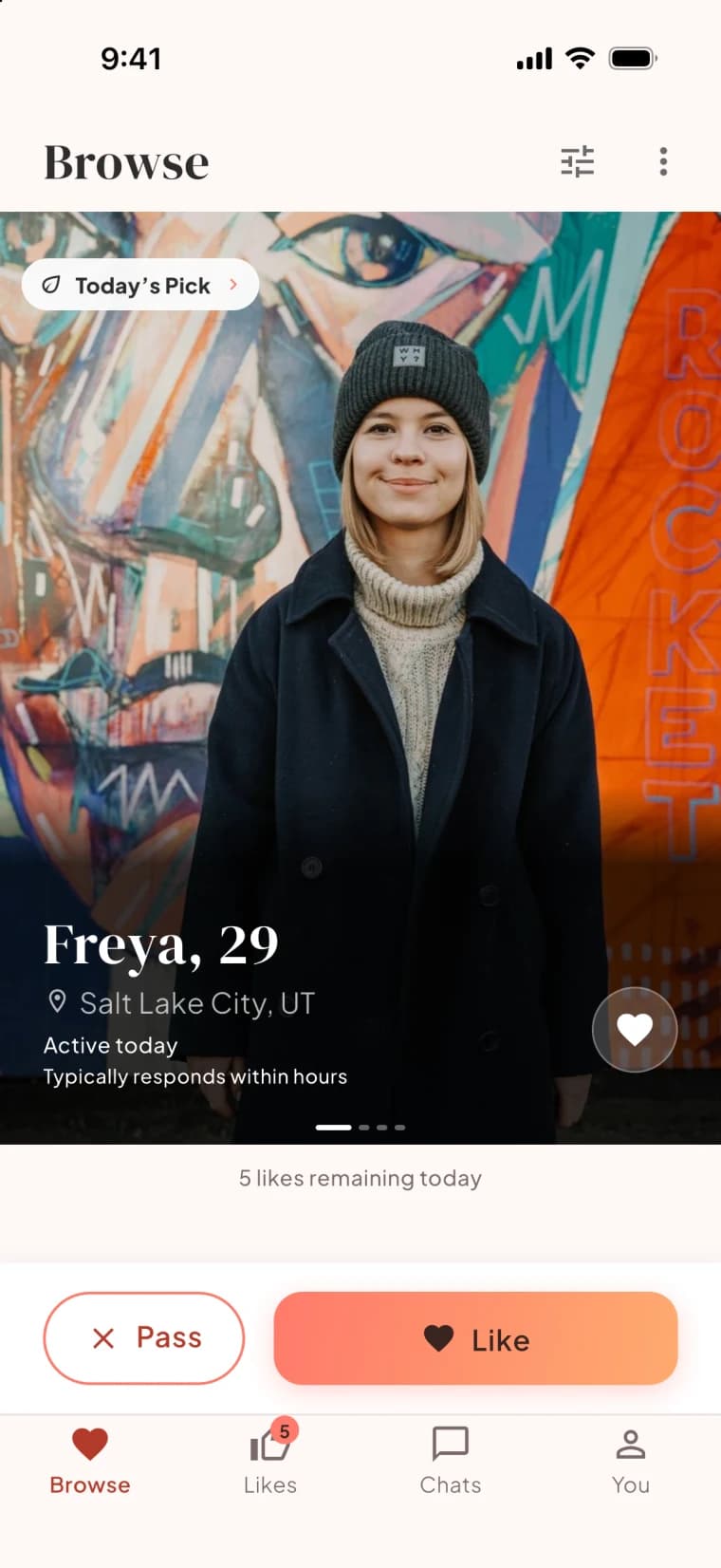
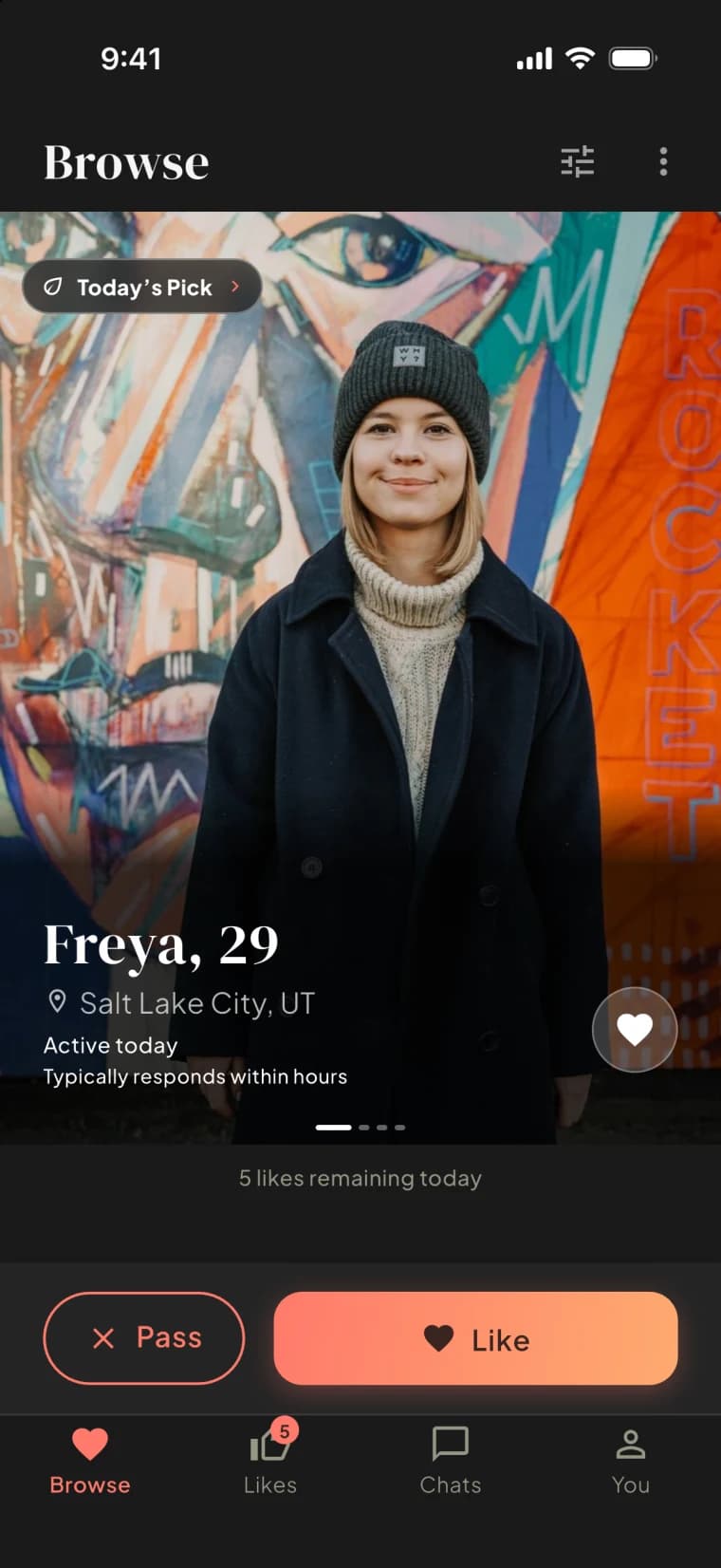
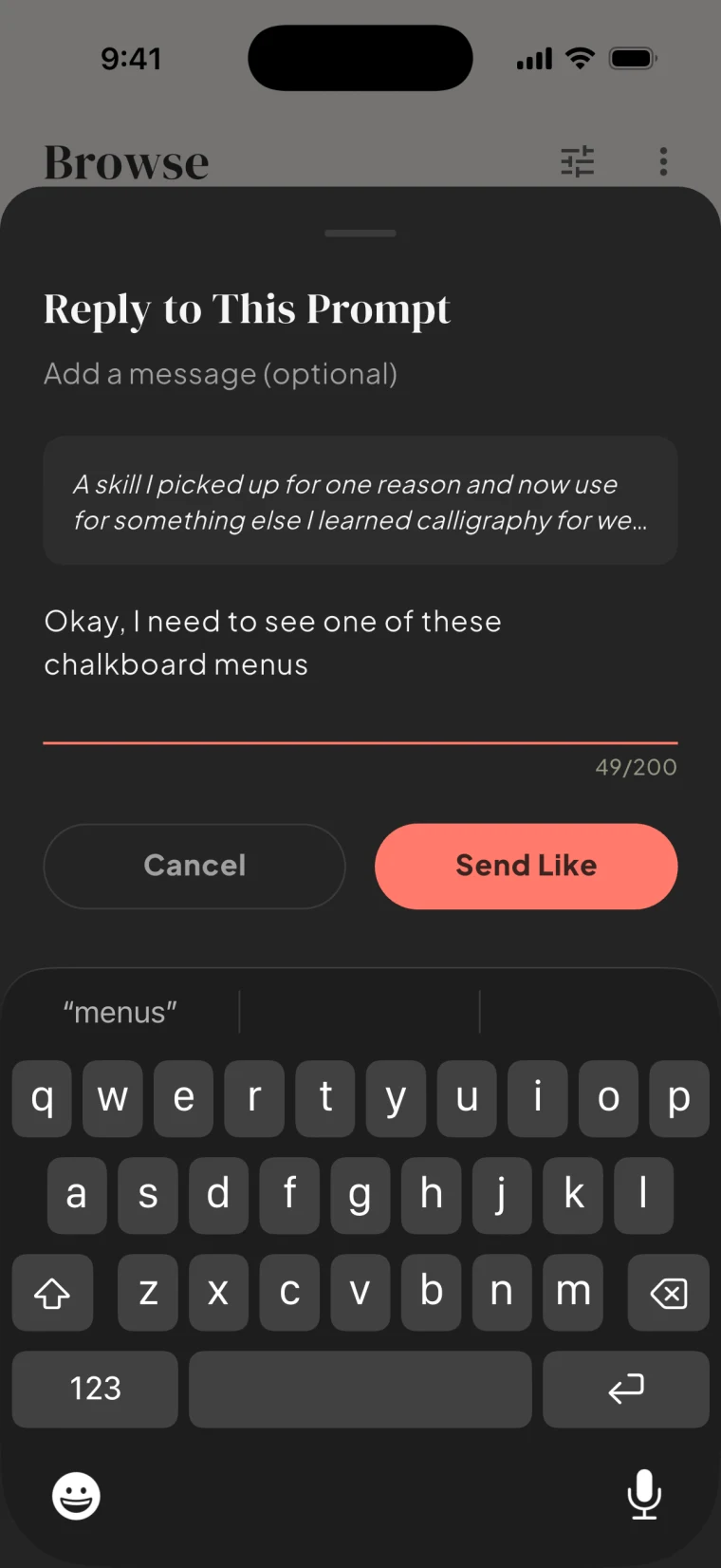
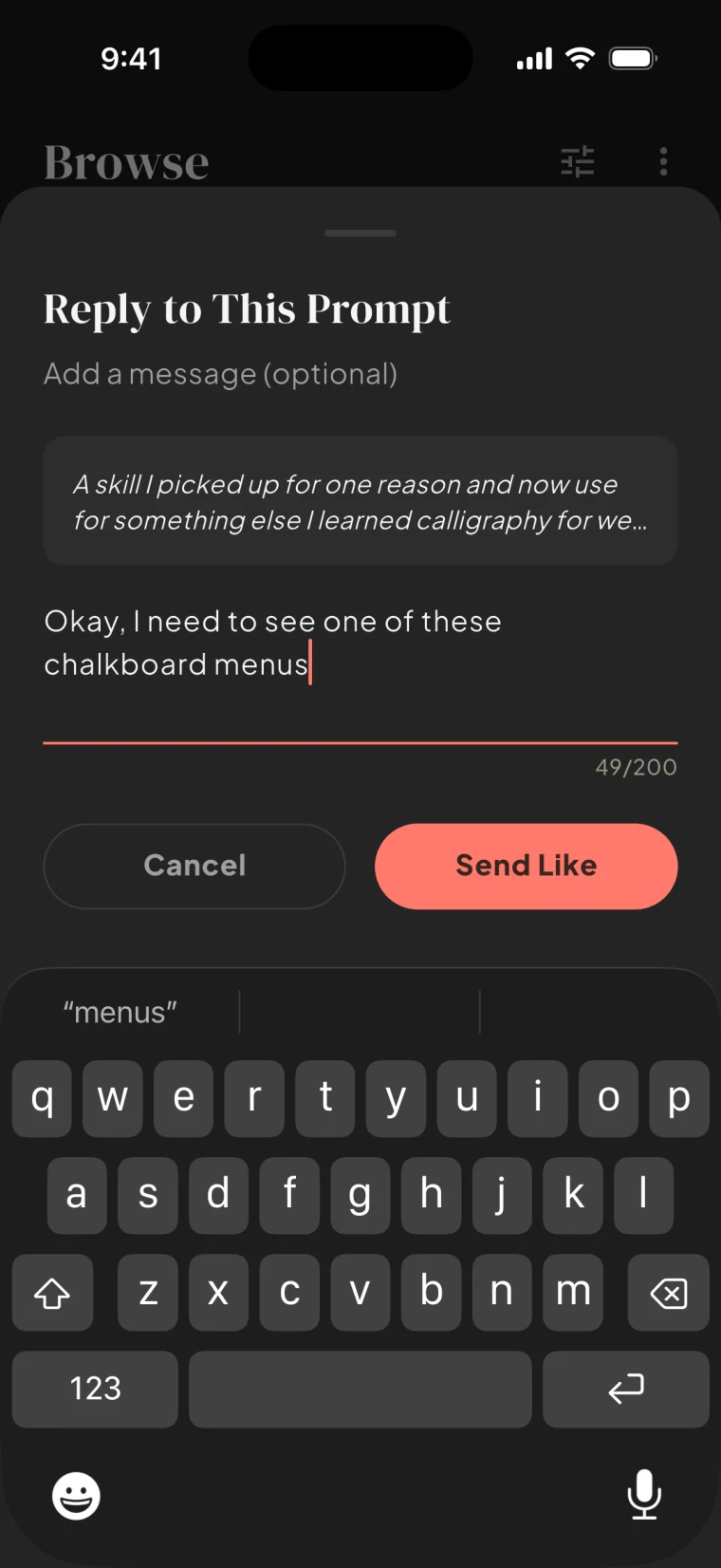
Like the exact photo or prompt that caught you and add a note, so the first message has somewhere to start.
Your most compatible profile each day is marked, and one tap shows what you share.
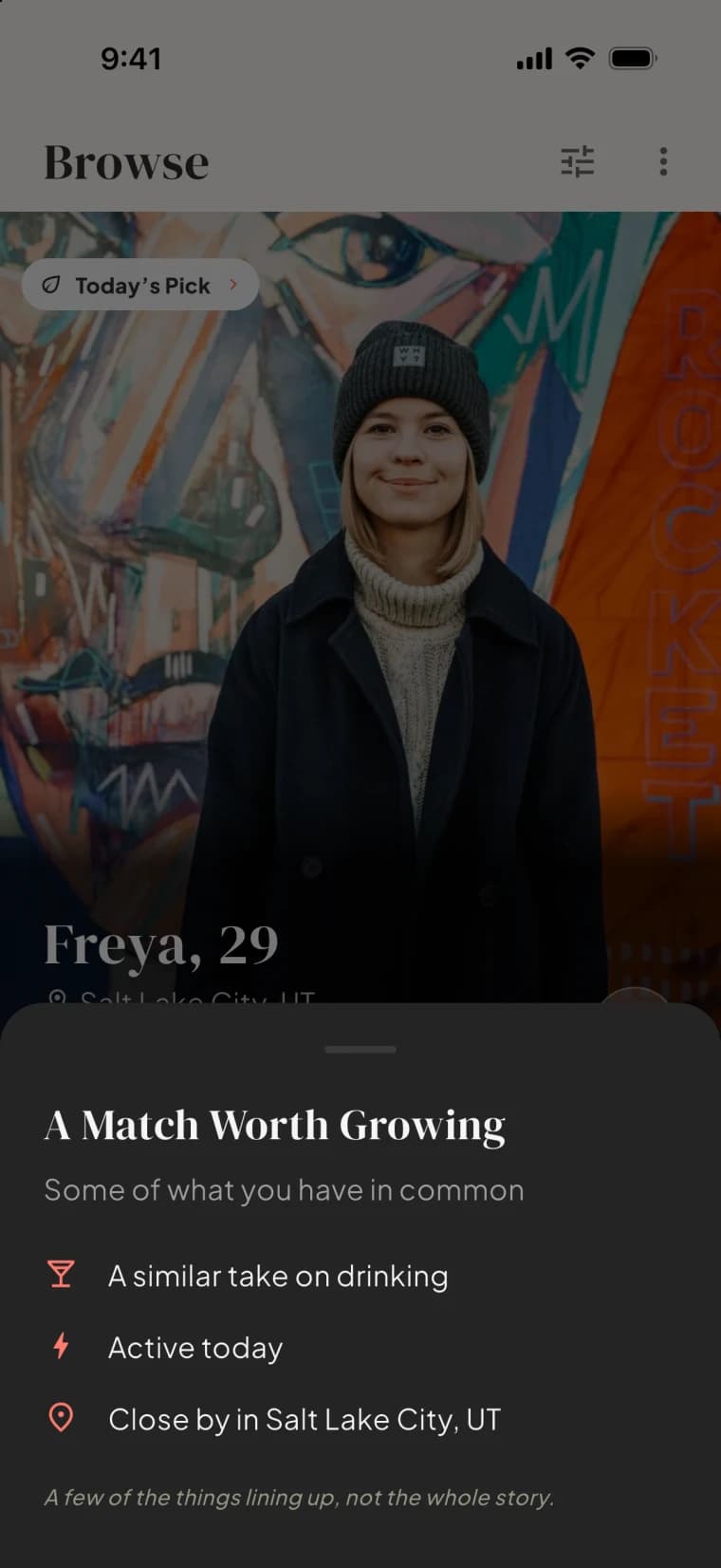
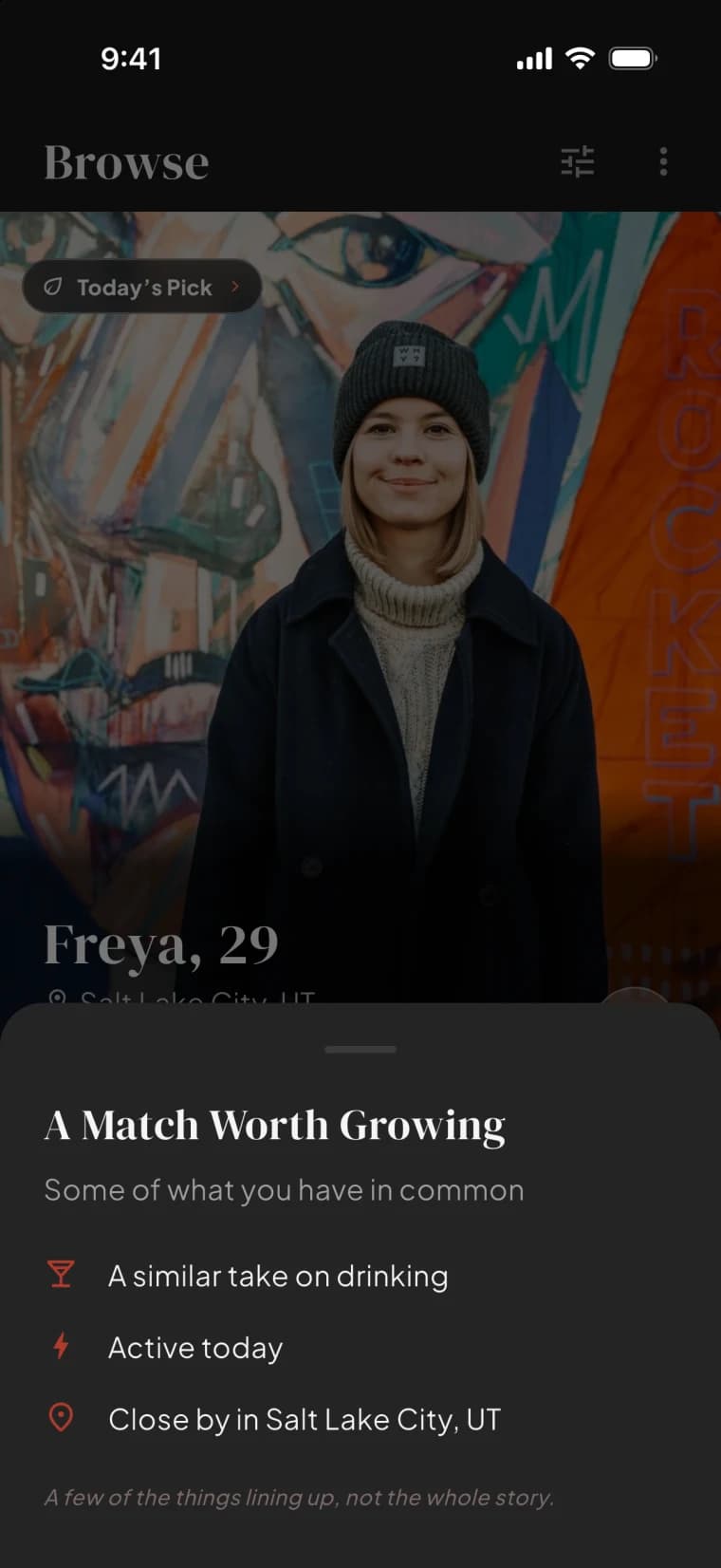
The feature every other app charges for. On Bloom it is for everyone.
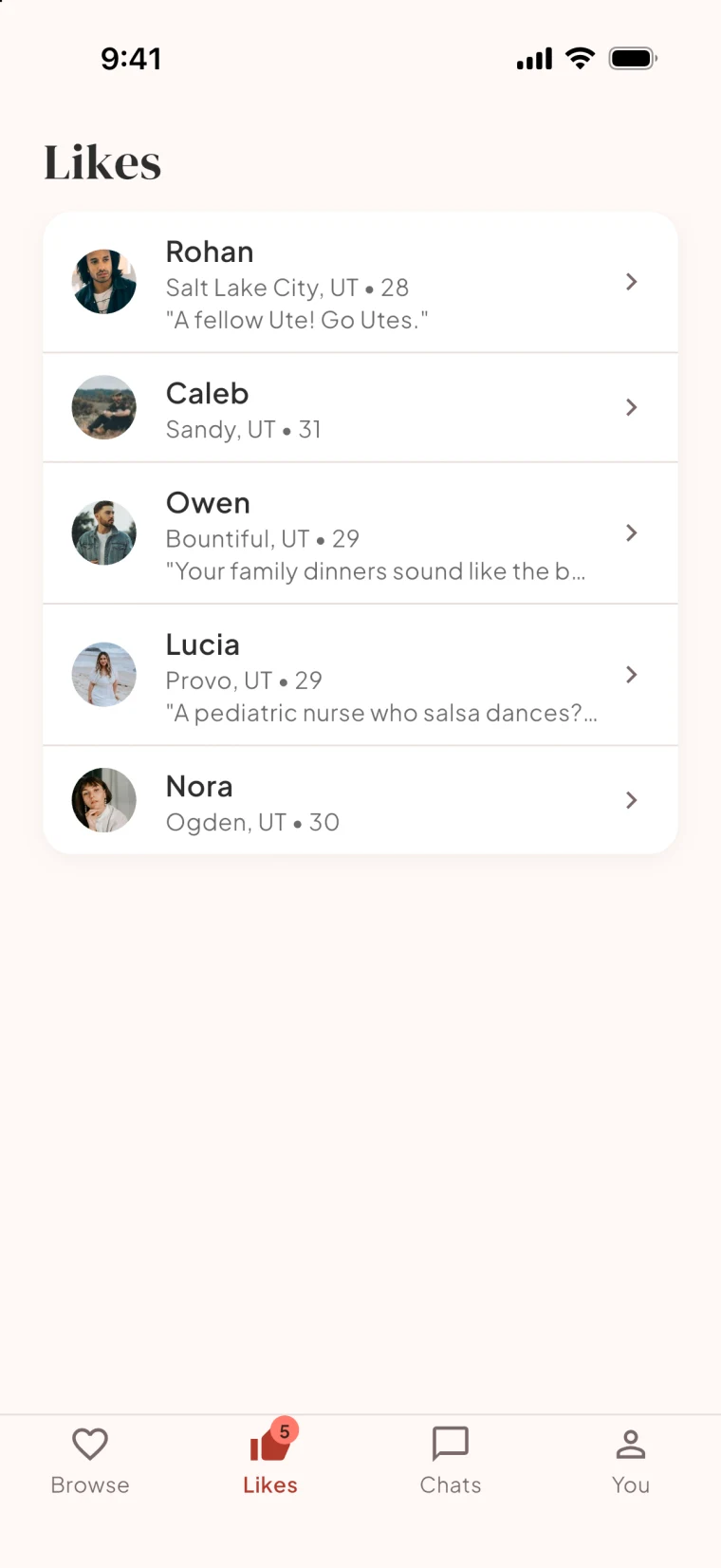
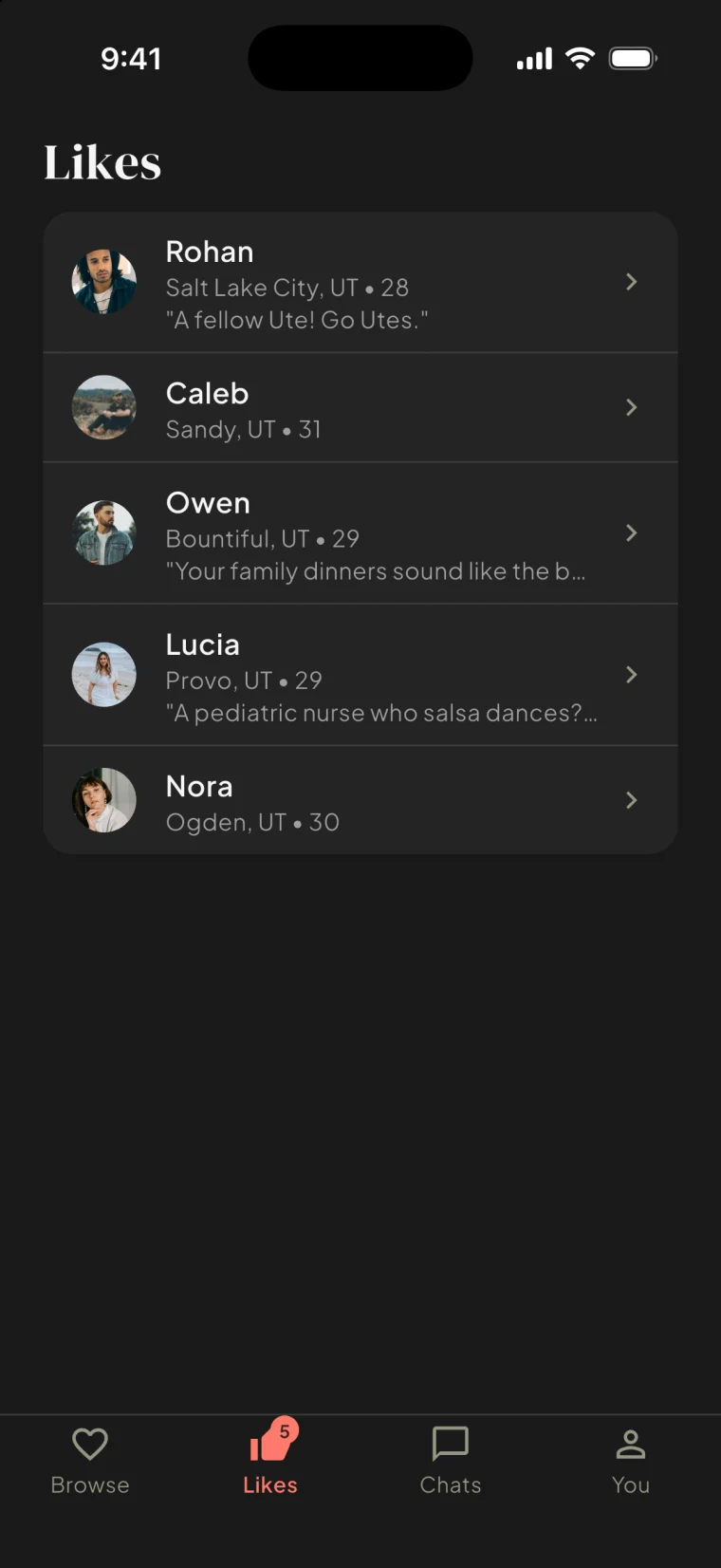
A reciprocal like opens a conversation, with voice notes and photos when words are not enough.
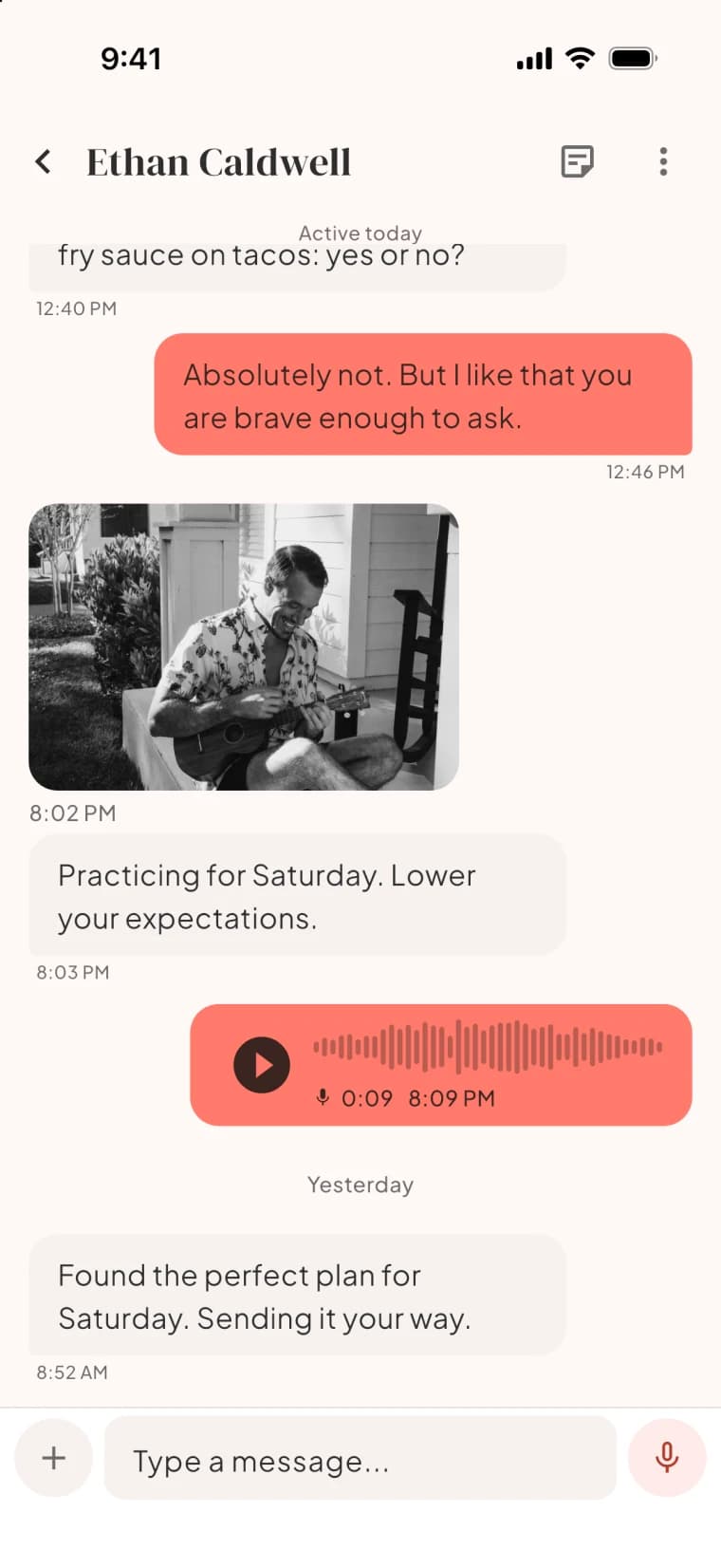
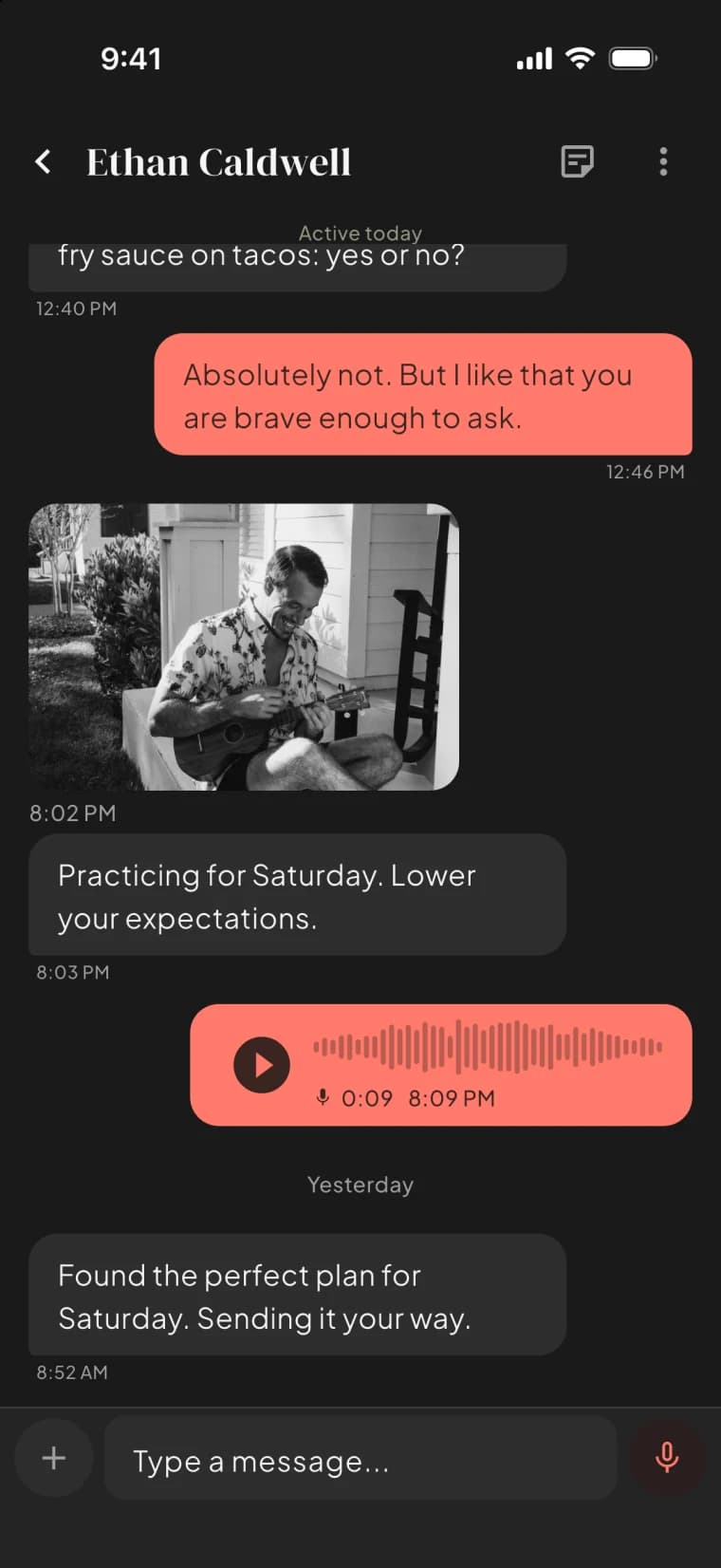
Five likes a day free, unlimited on Premium. Seeing who liked you and every filter are free for everyone.
Most apps stop here. Bloom keeps going.
The date
From "we should hang out" to a Thursday at seven.
A time, a place, a real plan. Bloom turns the conversation into a date without leaving it.
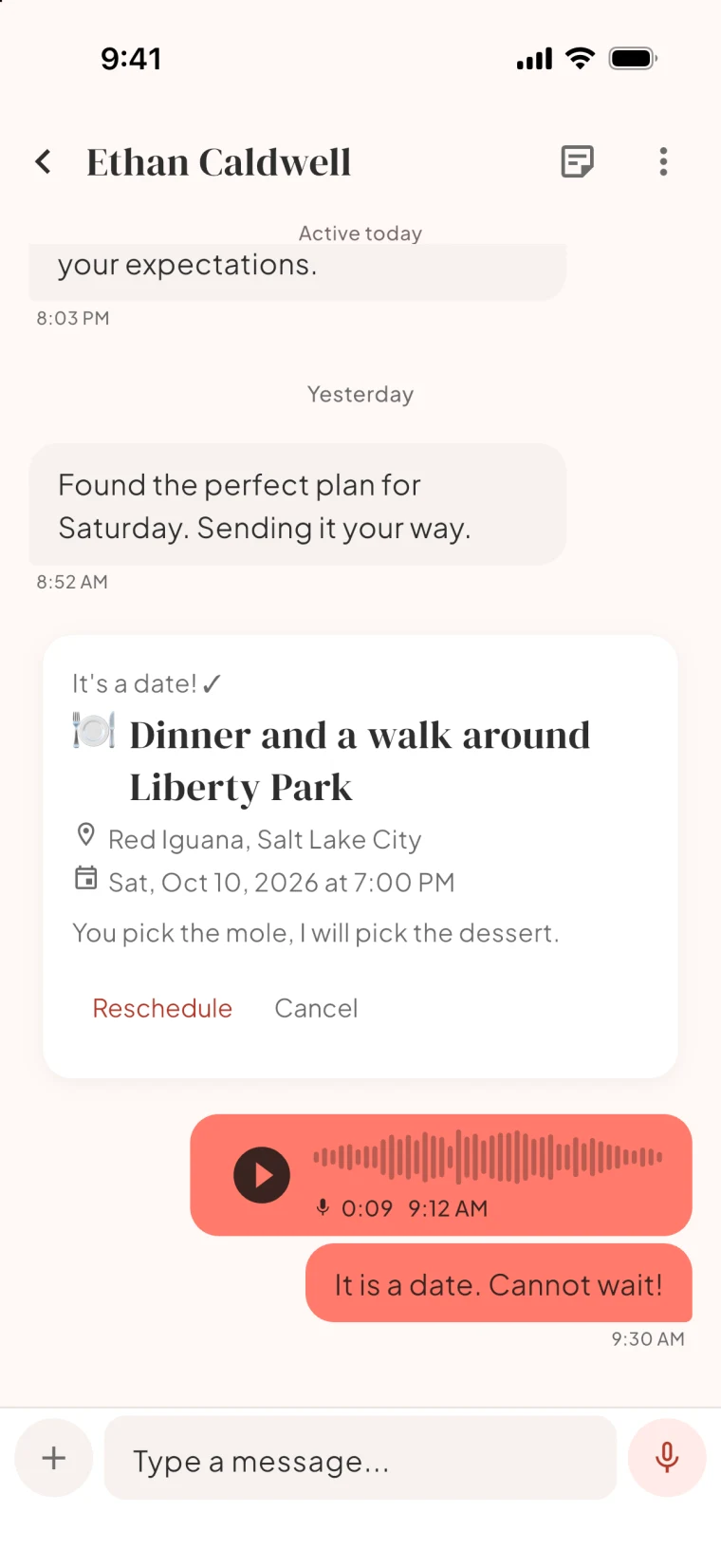
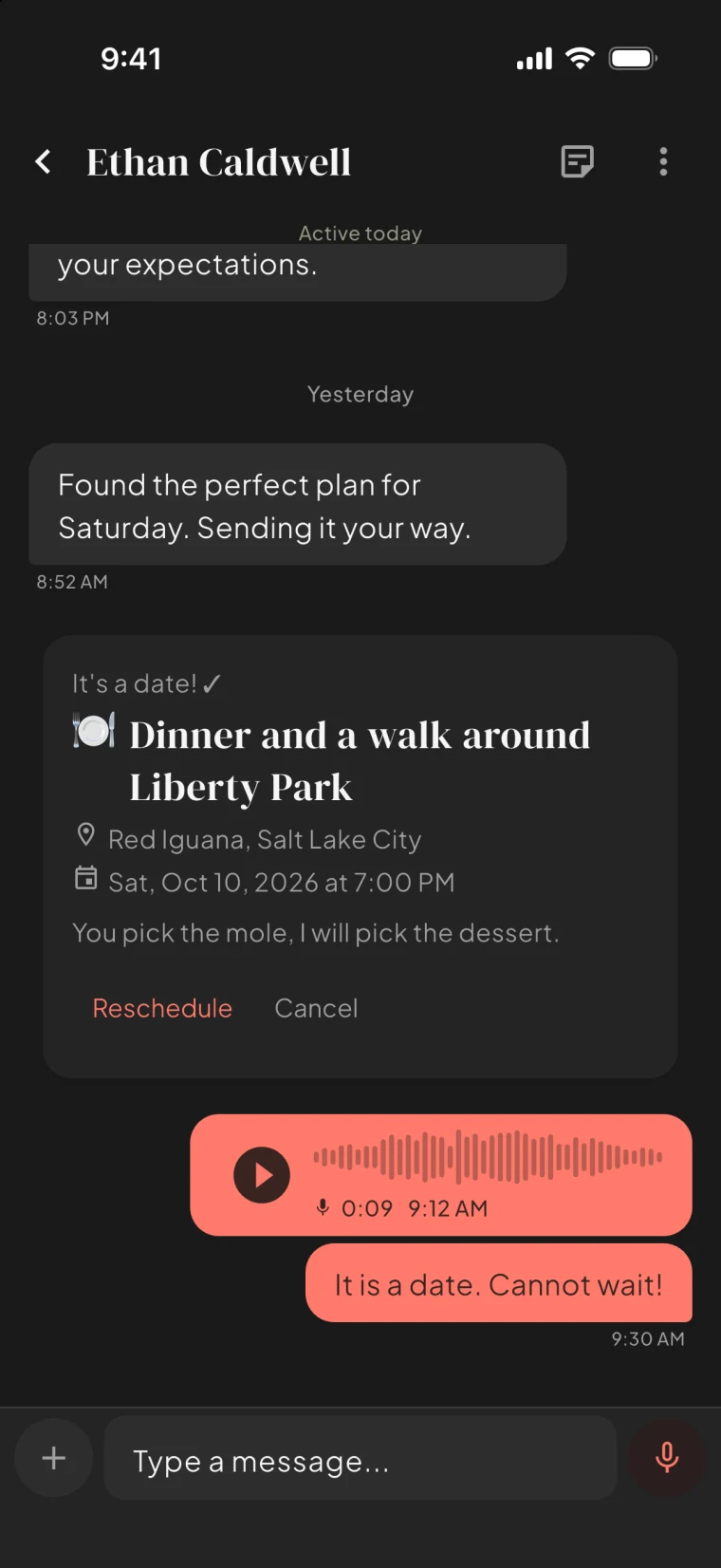
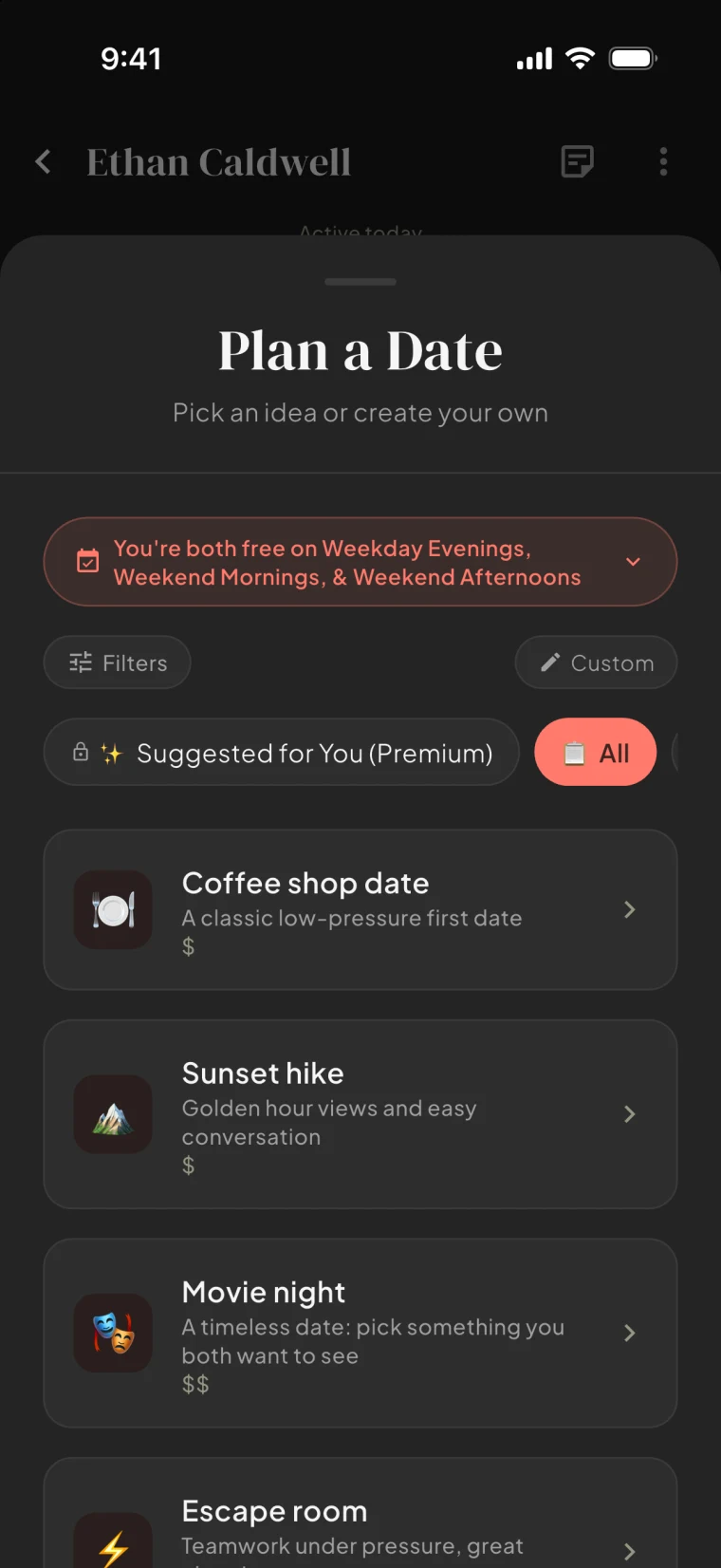
Date suggestions built from your shared free time and the things you actually like, with venue search built in.
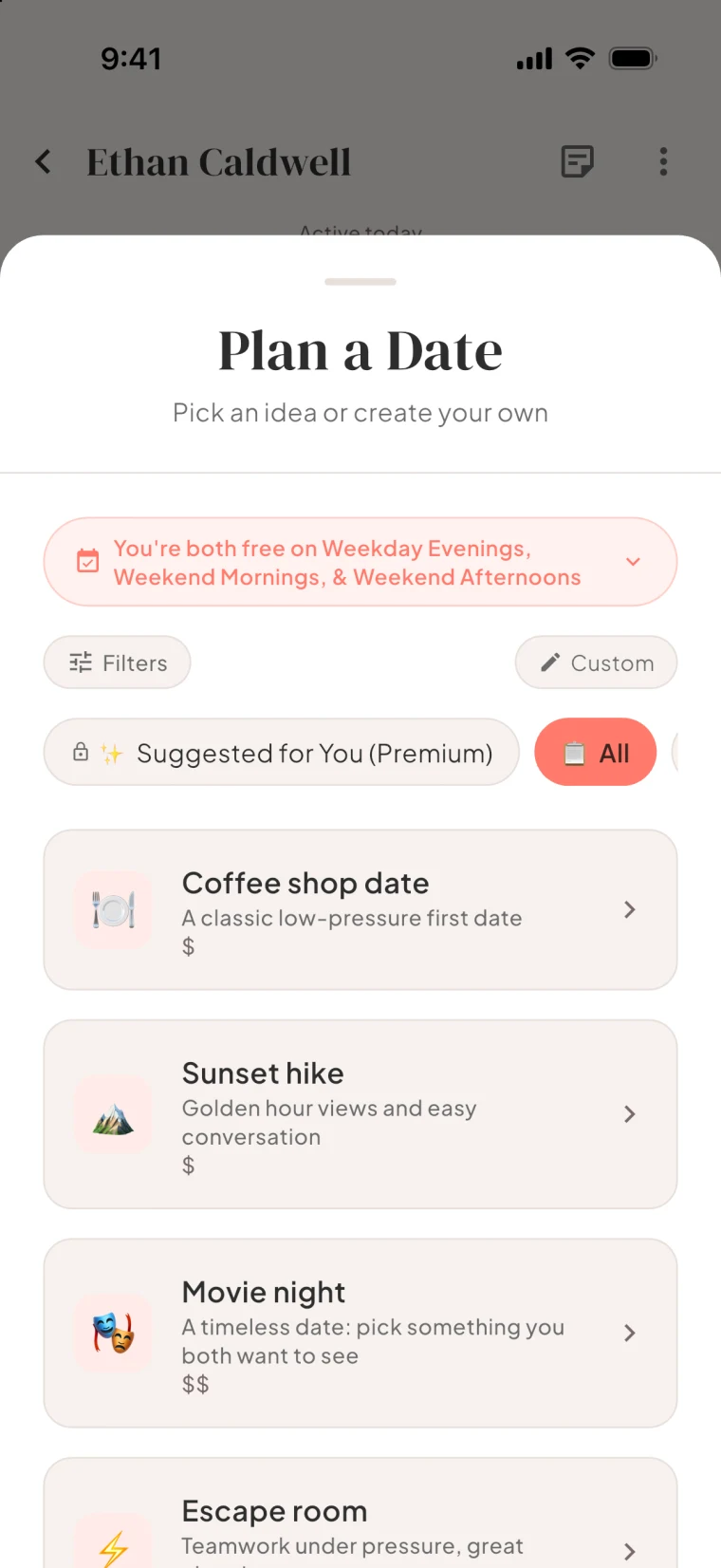
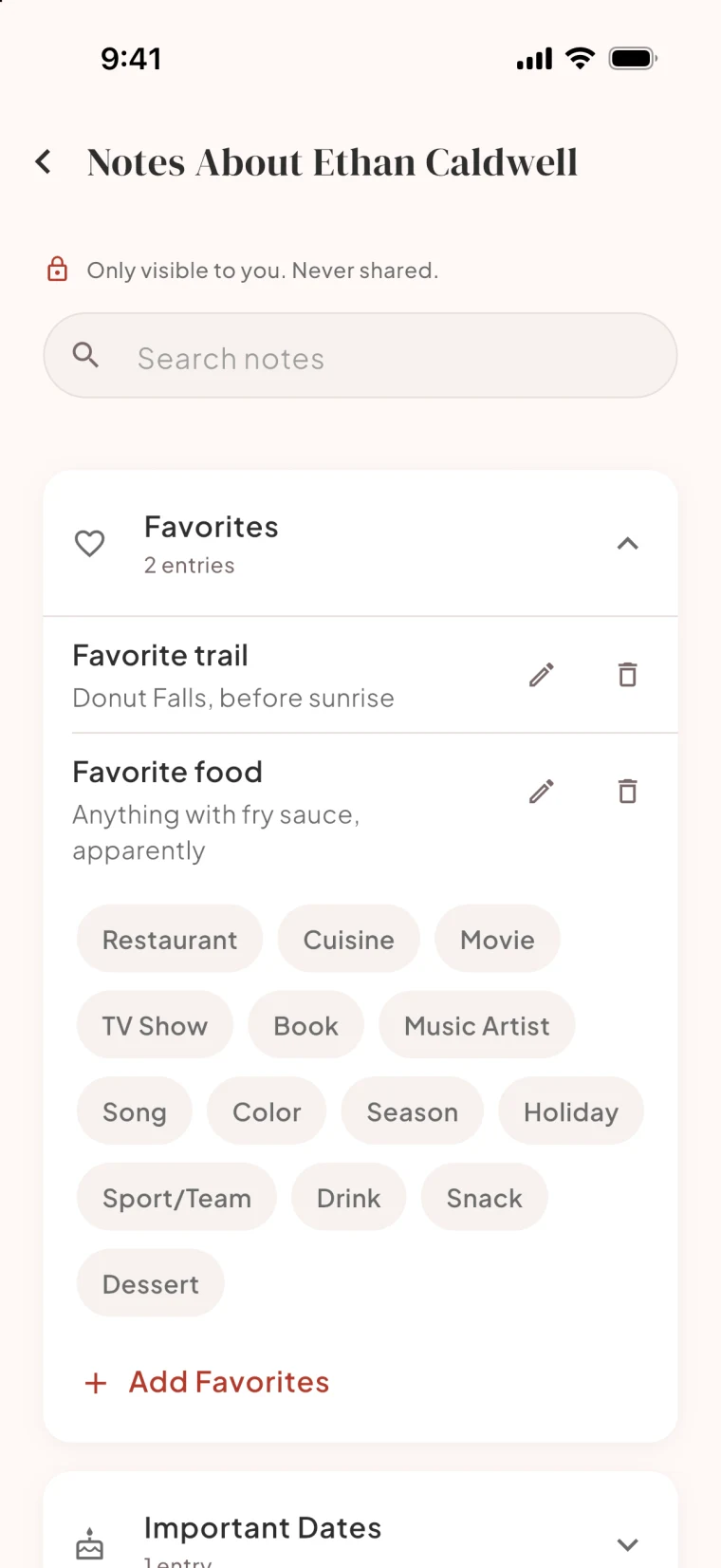
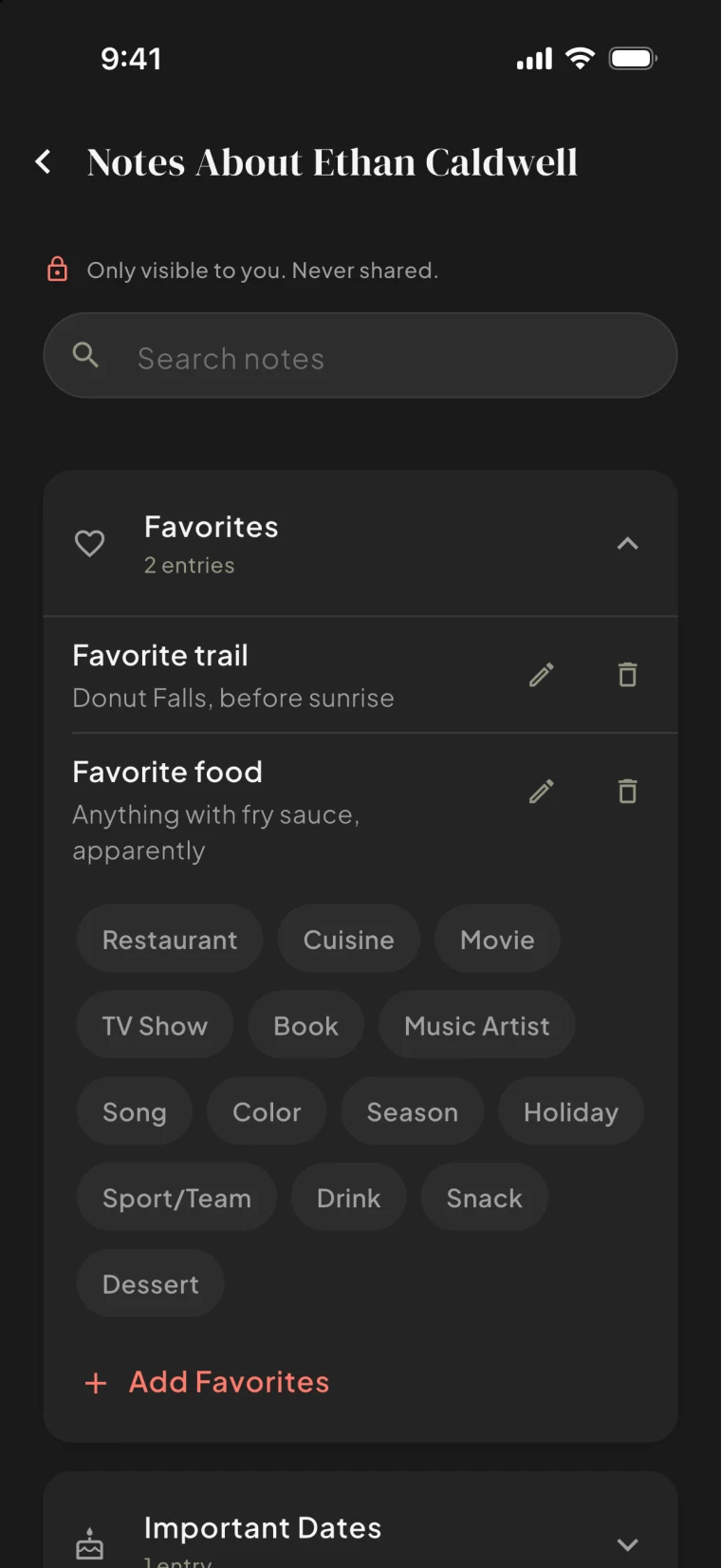
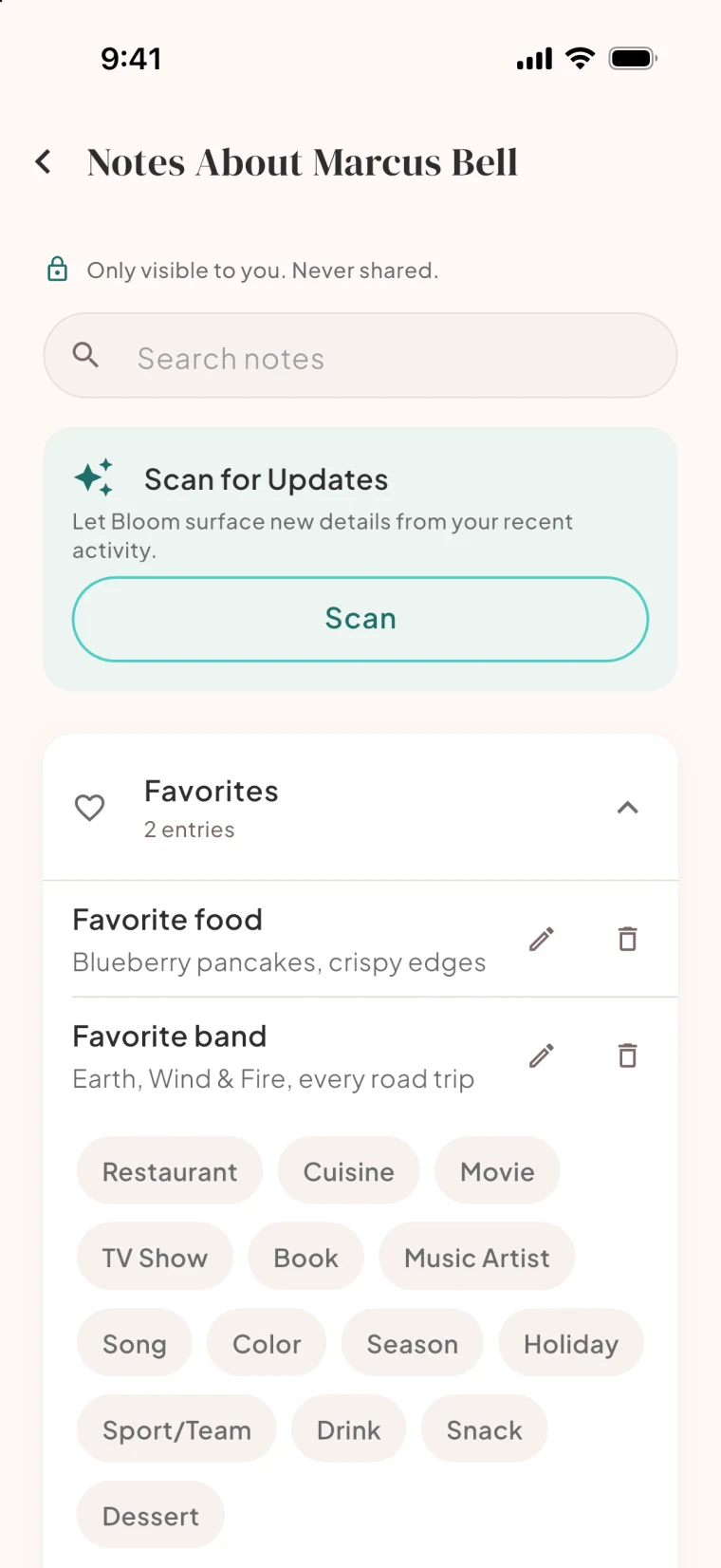
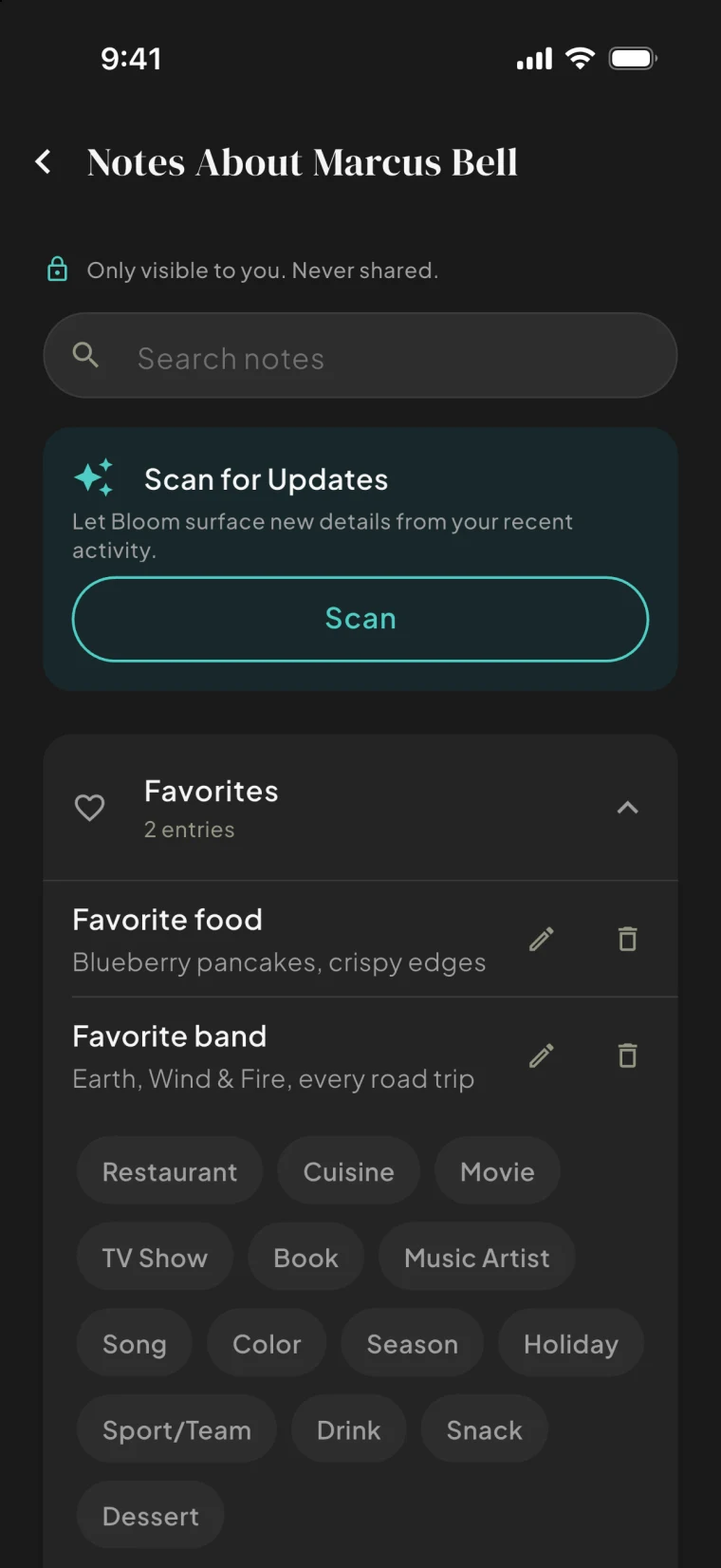
Keep the details that matter about someone you are getting to know. Only you can see them.
Curated suggestions free, AI-personalized on Premium.
Together
Pair up, and you get a space of your own. Relationship Mode opens: one private space for just the two of you, with your own chat, plans and memories.
Enter your partner's pairing code or scan it. You do not have to have met on Bloom.
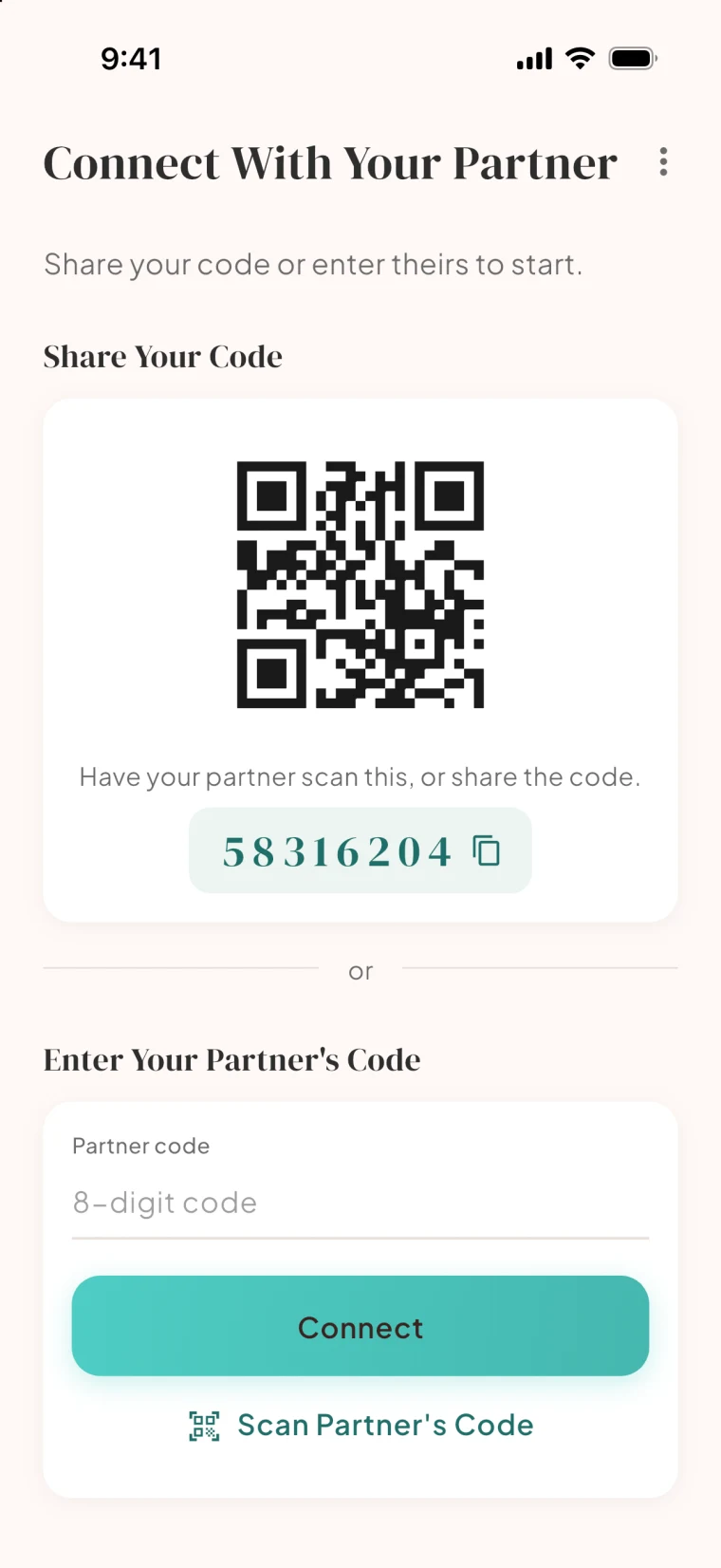
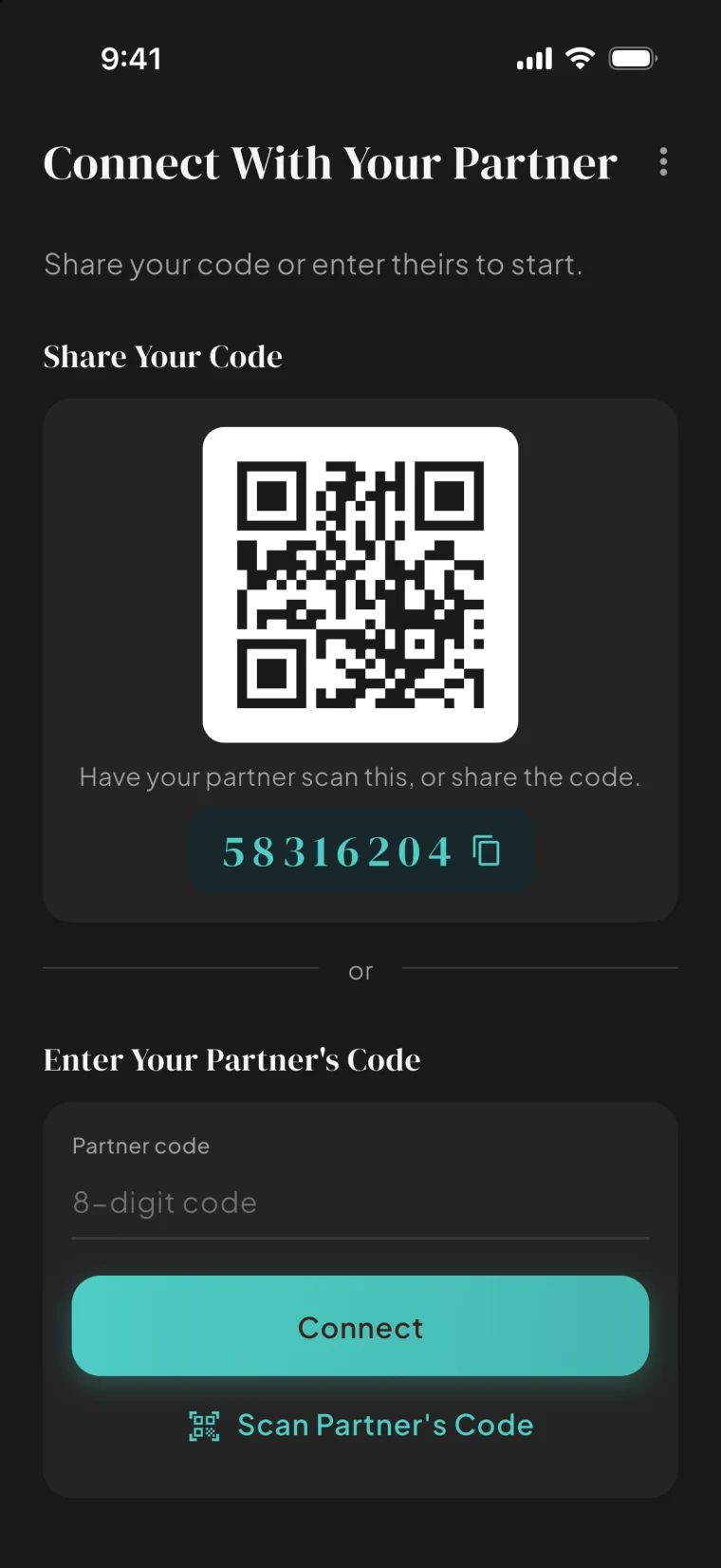
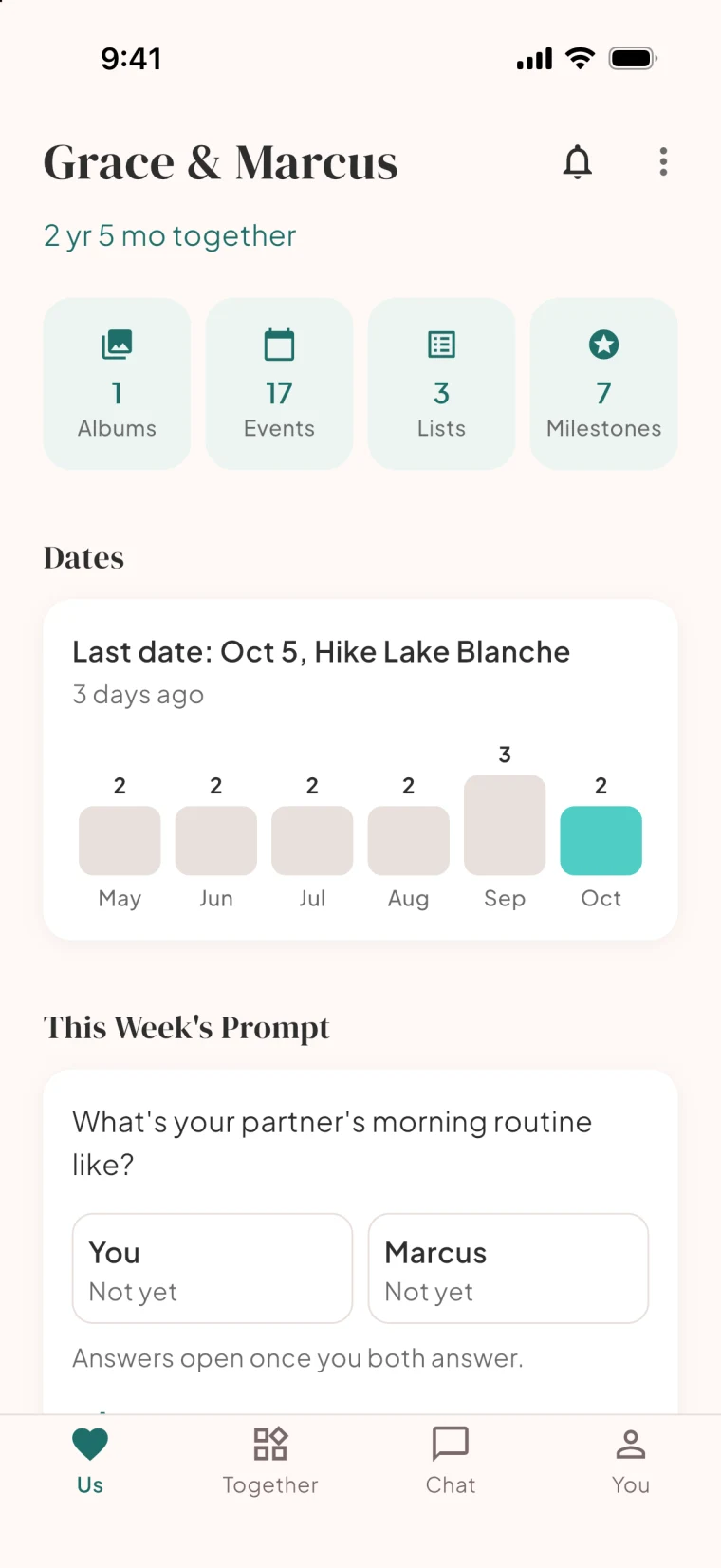
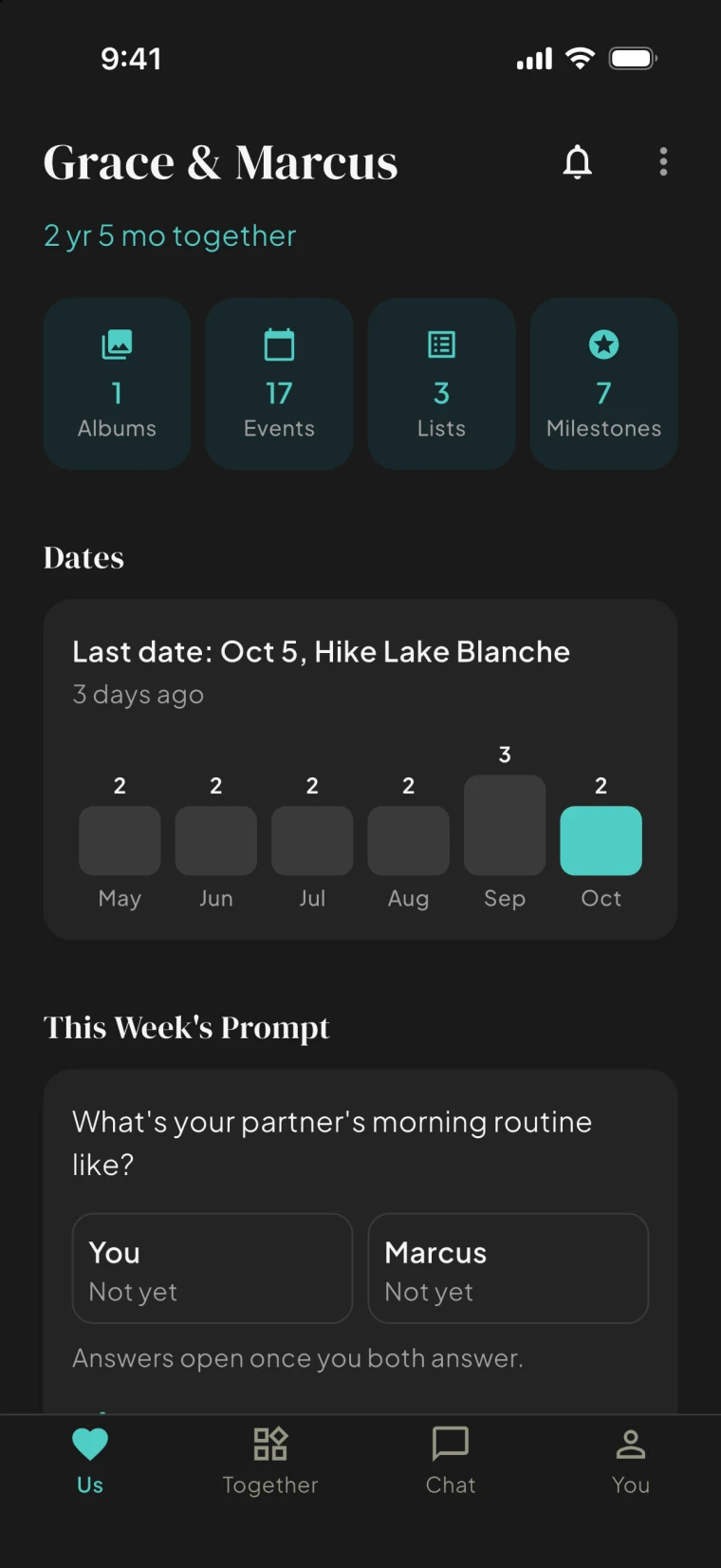
A shared dashboard: what is next, what is new, and the things you are building together.
Guided series for the two of you, picked from a growing library, one session at a time.
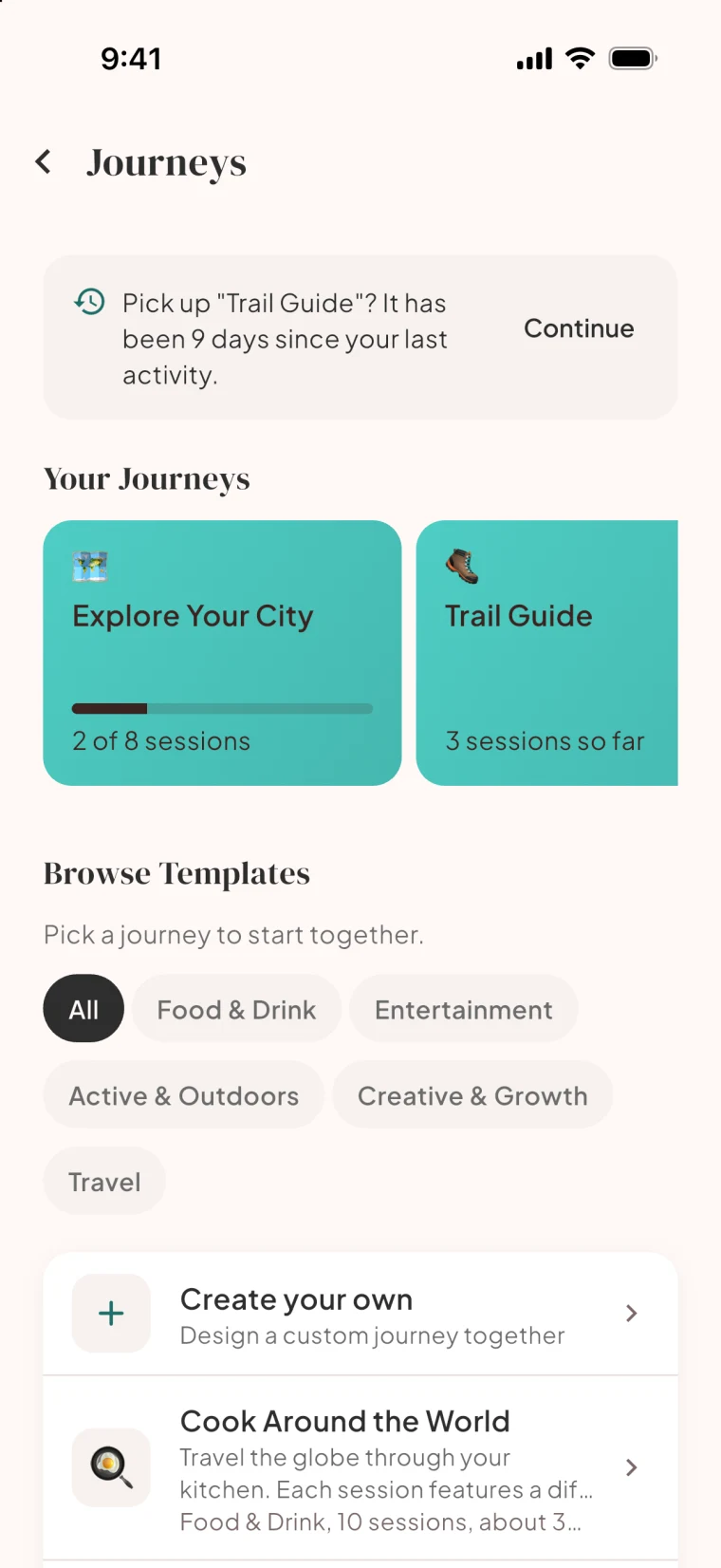
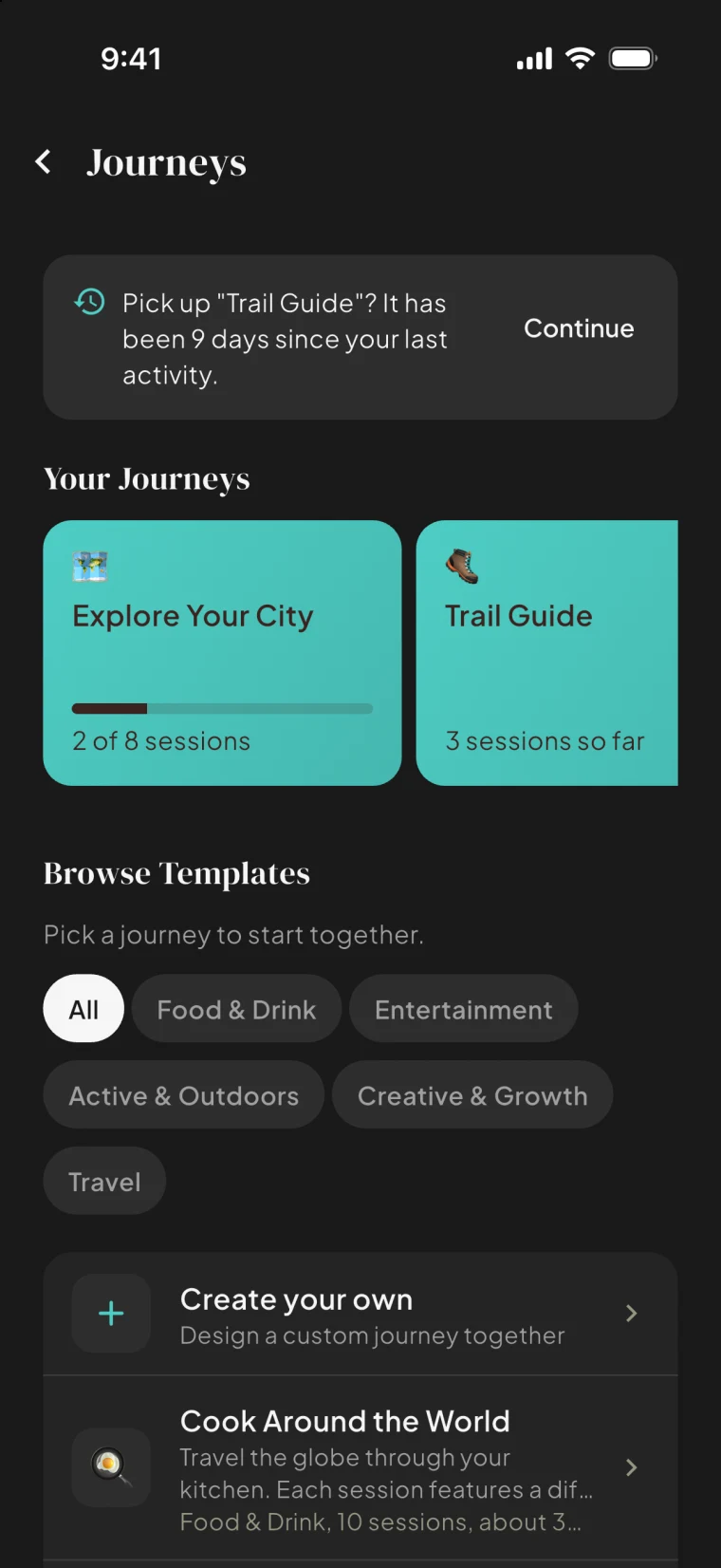
Questions worth answering together, with a history you can revisit.
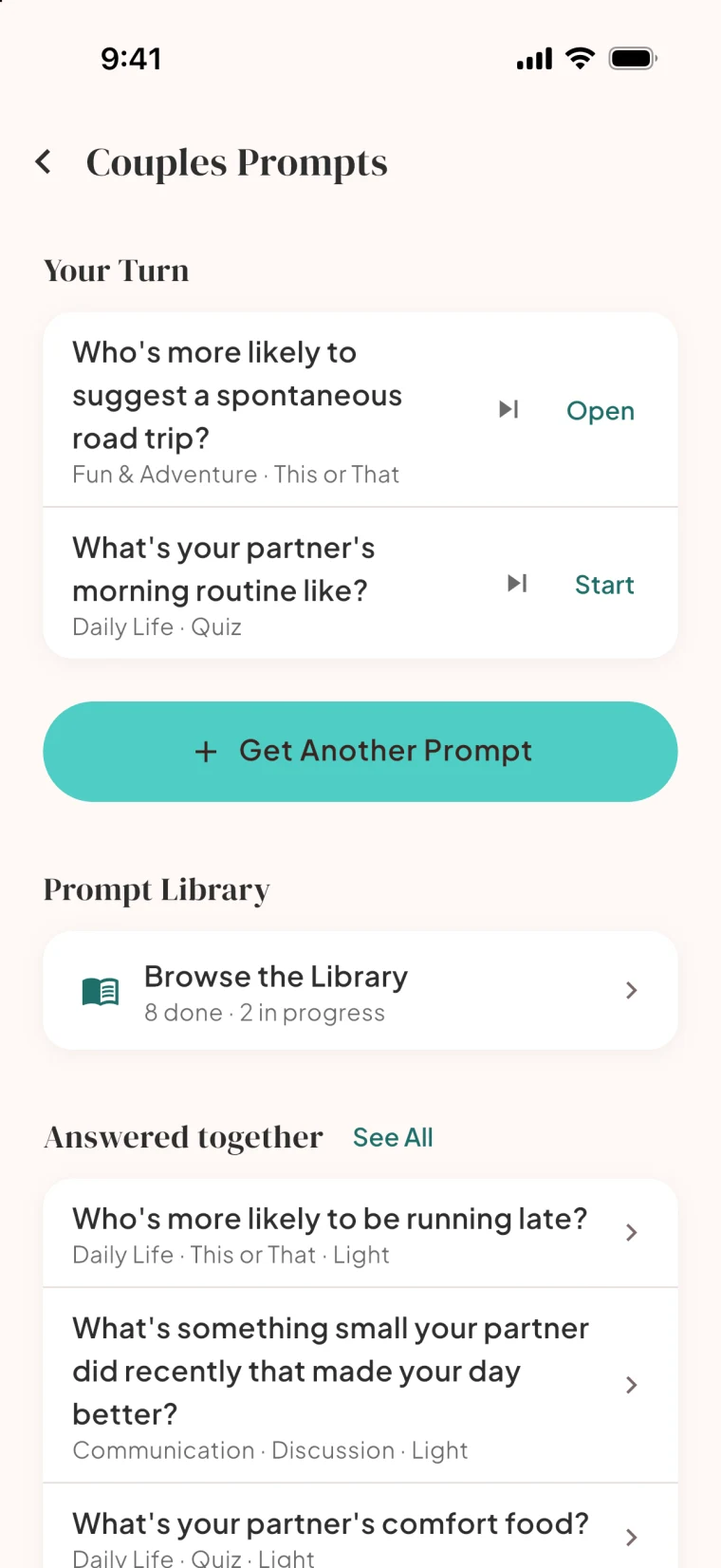
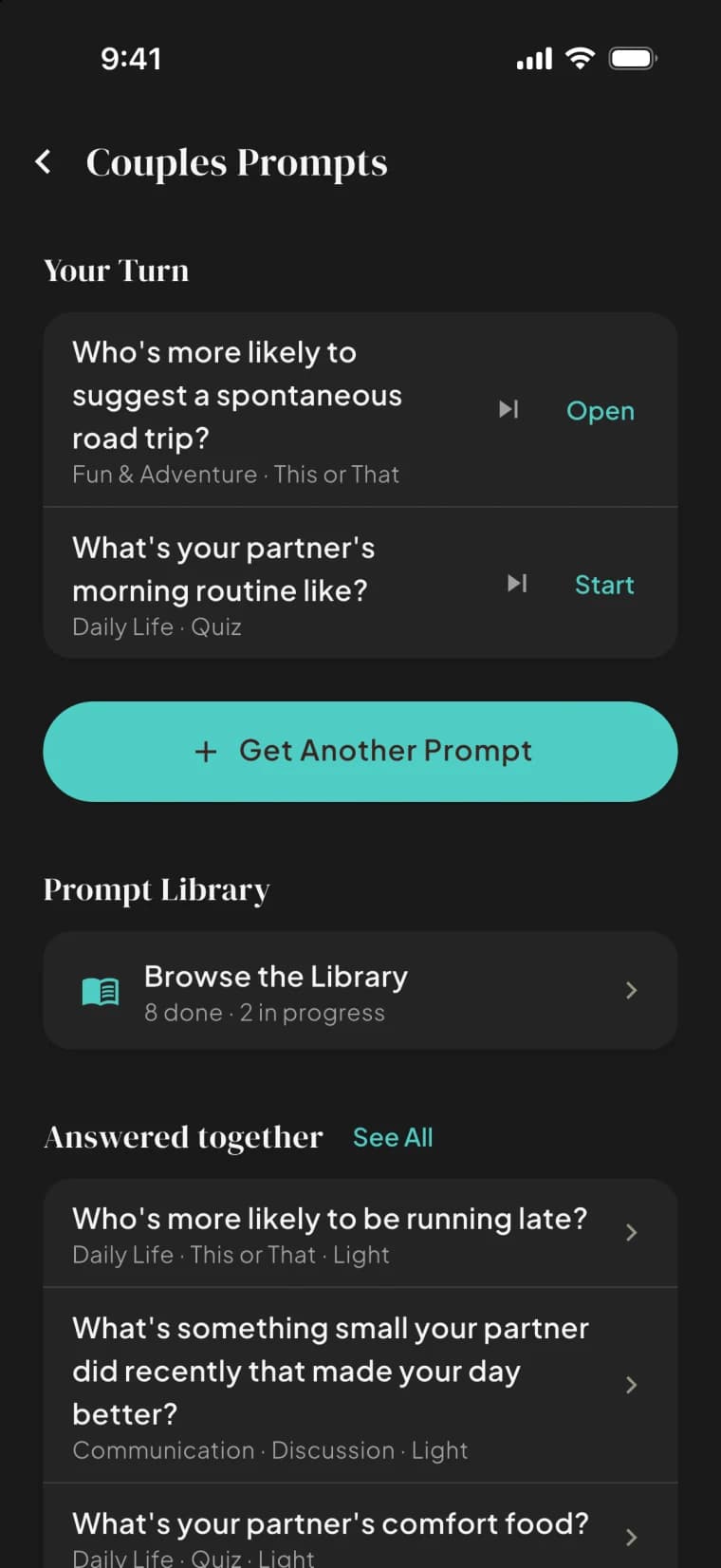
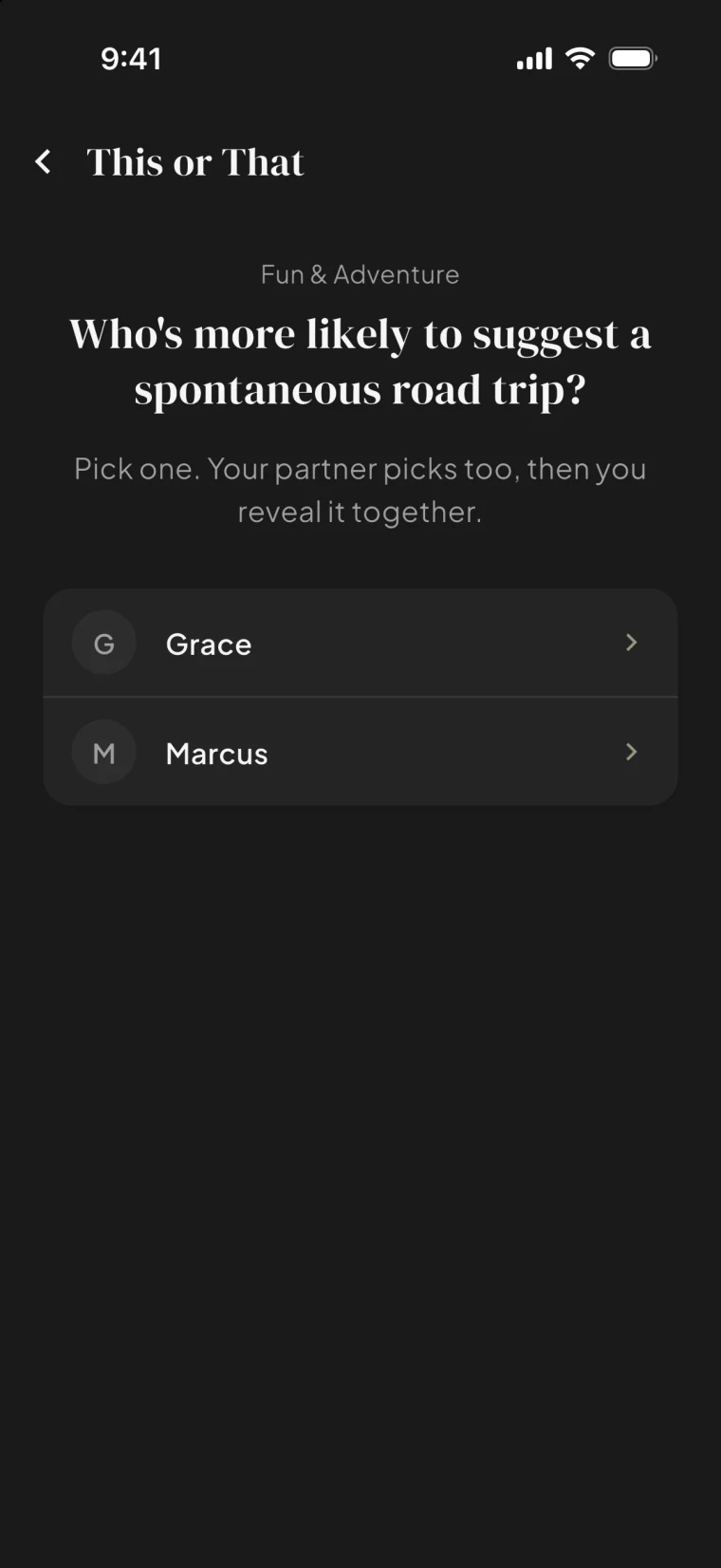
Quizzes, this-or-that and date sparks you play together, then compare answers.

The Together tab keeps your lists, calendar, albums, journeys and notes a tap apart.
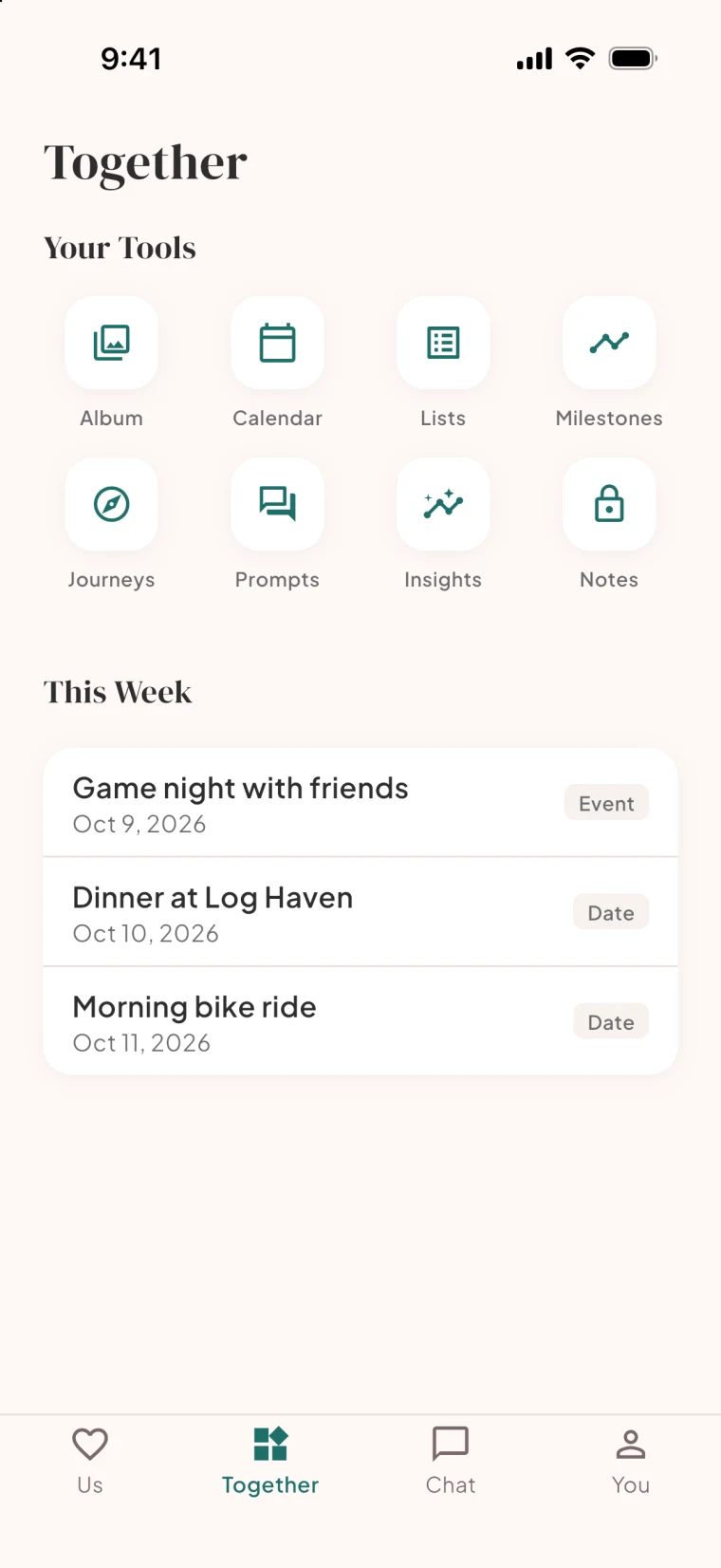
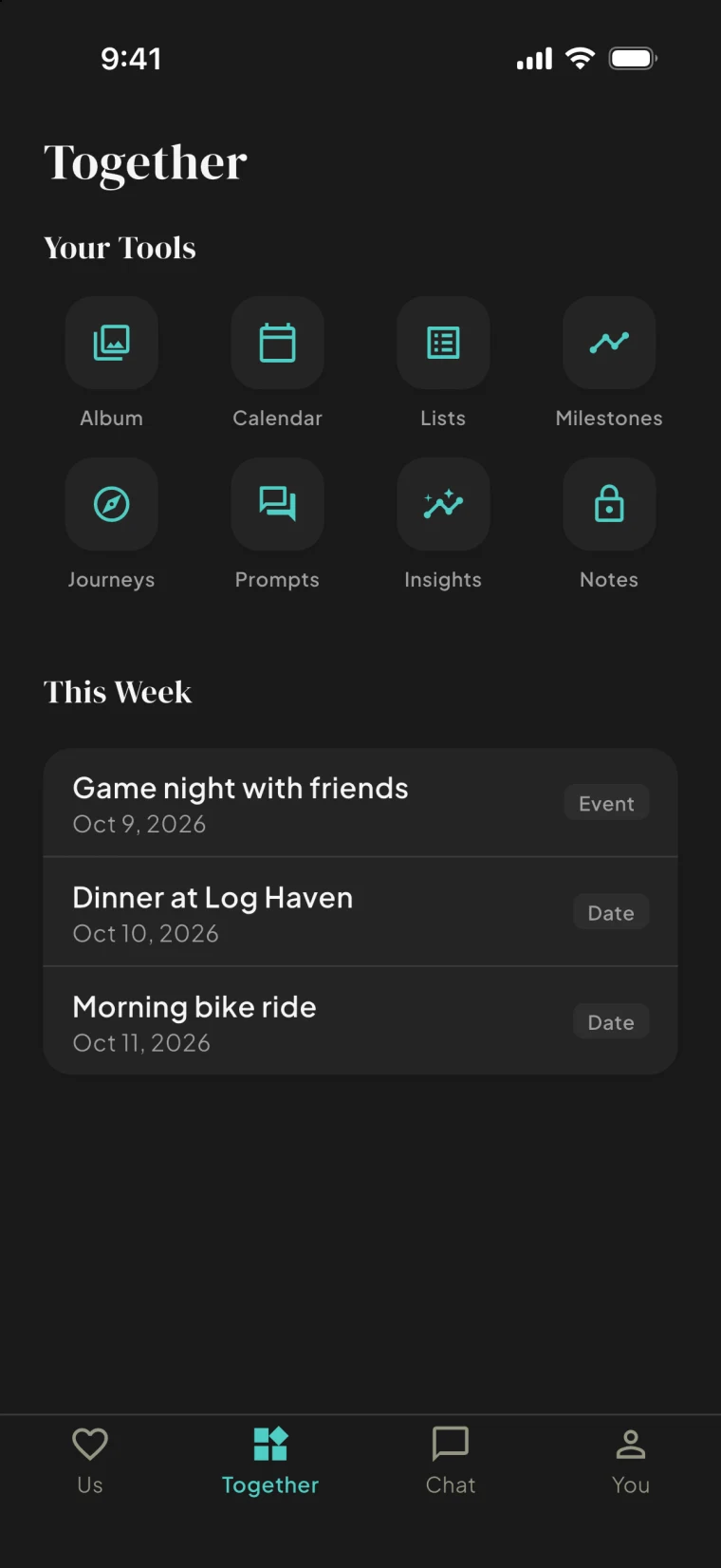
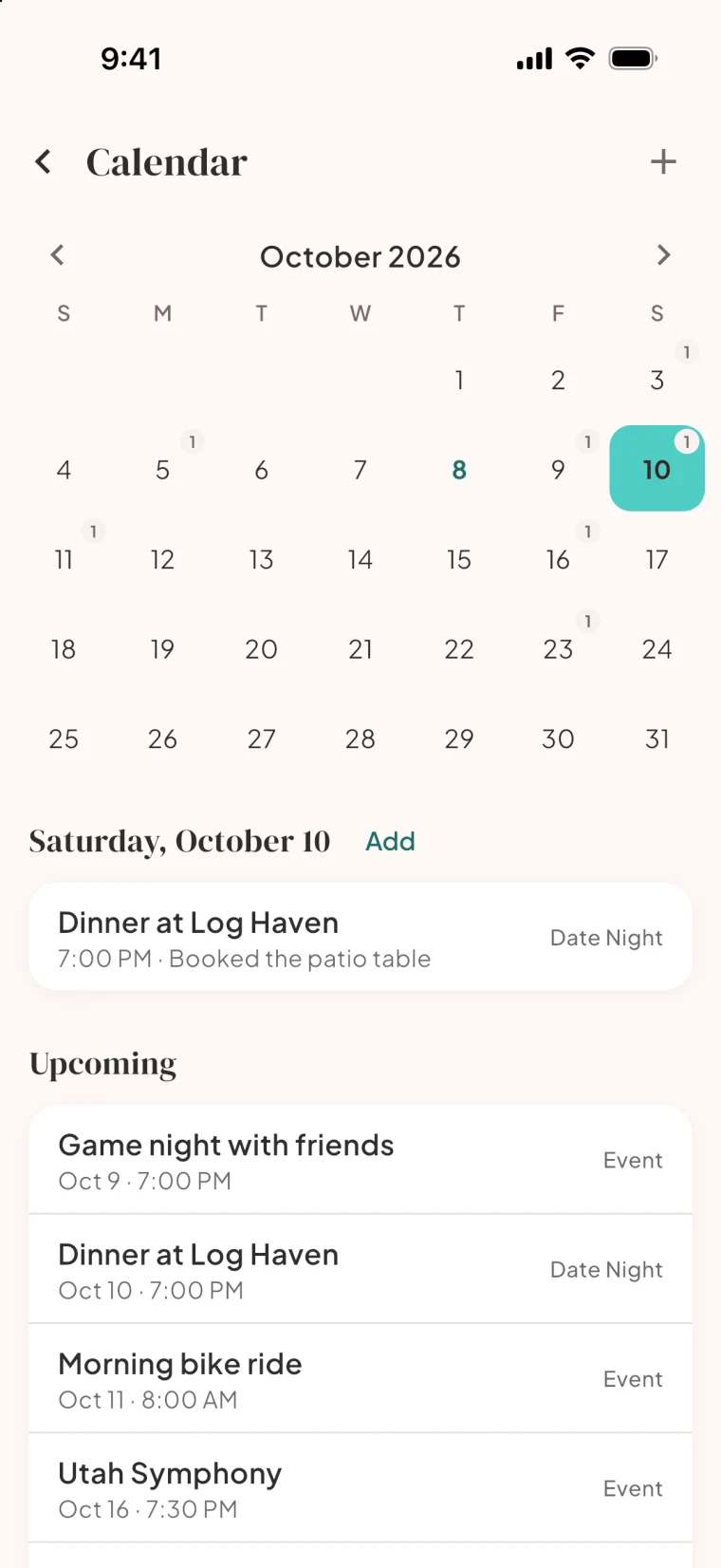
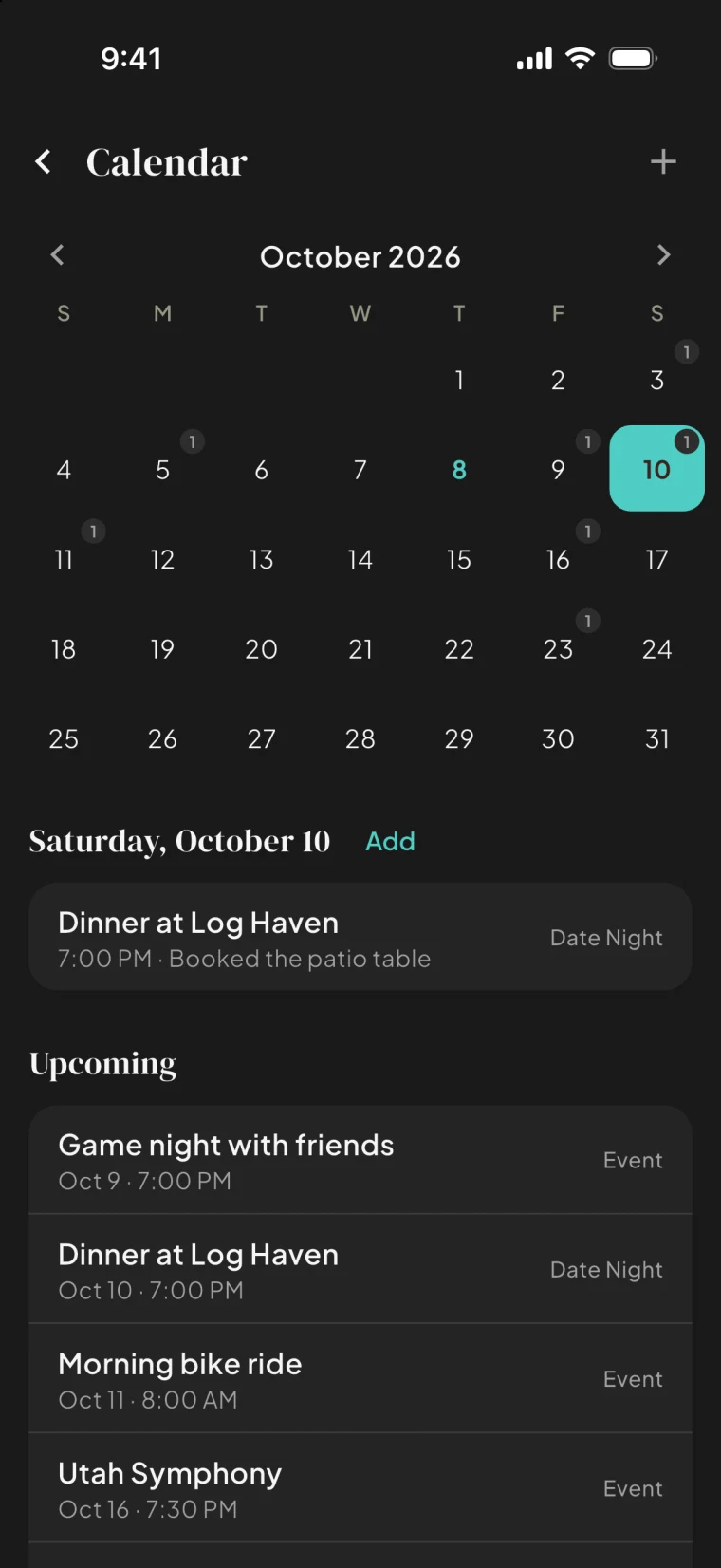
Restaurants to try, dates on the calendar, photos in one place. Shared by default.
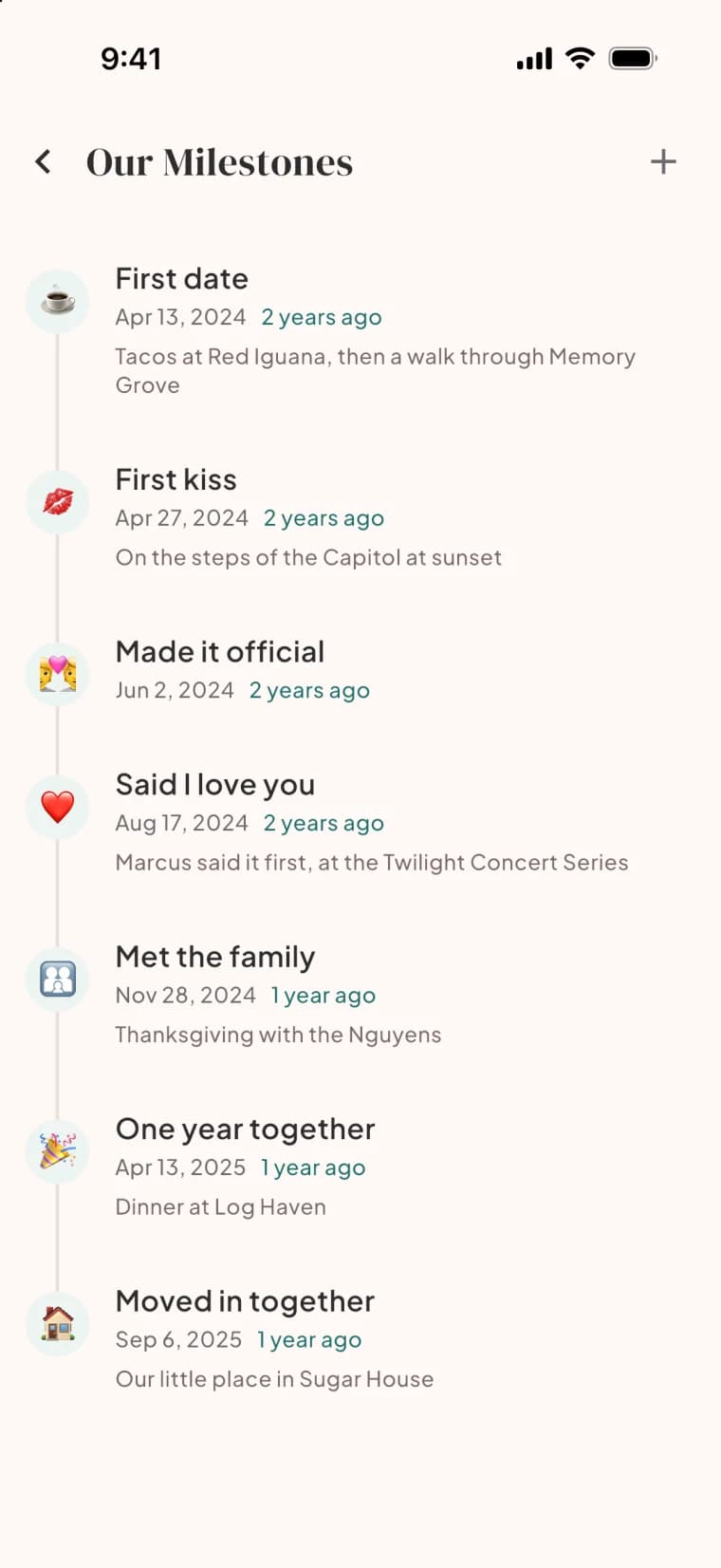
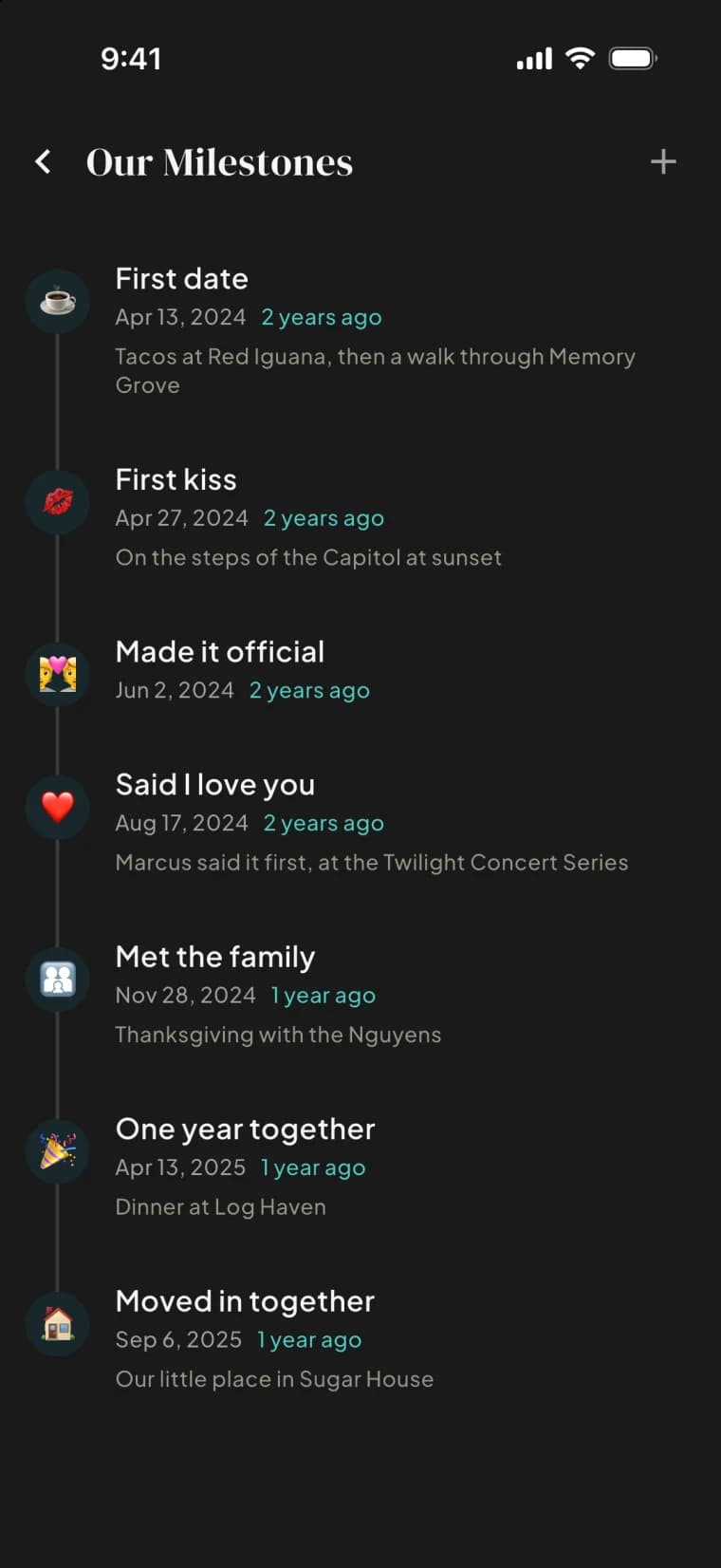
Mark what happened. See what is changing.
Your notes carry over, and Premium adds an AI scan.
Two active Journeys free, unlimited on Premium; AI-generated sessions are Premium. One subscription covers both of you.
See it for yourself, first
We're building something new in Utah. Start with your email; the rest takes twenty seconds.